
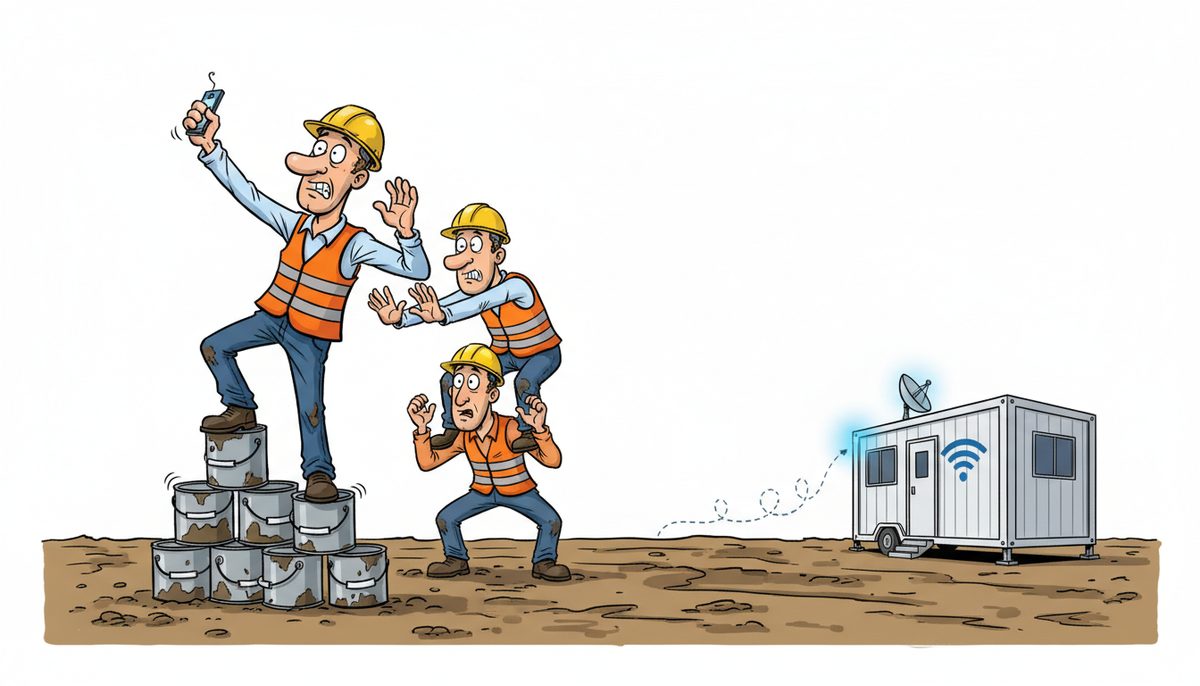
Yes, DataStream Networks supports field crews across Vancouver Island with secure remote file access from trucks and job sites. We configure cloud-based file sharing, mobile device management, and offline sync capabilities so your crews can access project documents, as-builts, RFIs, and change orders anywhere. With local technicians in Duncan who understand the Cowichan Valley’s connectivity challenges—from rural properties to municipal sites—we deploy solutions that work even in areas with limited cellular coverage, typically resolving access issues remotely within 15 minutes through our live-answer help desk.
How do field crews access company files when they’re away from the office?
Modern construction operations require instant access to critical documents. Your estimators need bid specs in their trucks. Site supervisors need as-built drawings on tablets at job sites. Project managers need to upload progress photos and update punch lists from the field.
Cloud-based file systems create a central repository that synchronizes across devices. When your office admin updates a submittal in Duncan, your site supervisor in Lake Cowichan sees the change on their tablet within seconds. The system works bidirectionally—field crews upload photos, daily reports, and safety documentation that instantly appear in your office systems.
The technical architecture matters for construction. Unlike consumer solutions, business-grade systems include version control (so you never lose track of drawing revisions), permission management (subcontractors see only their relevant files), and audit trails that satisfy WorkSafeBC documentation requirements and the Builders Lien Act record-keeping mandates.
Mobile apps provide the interface. Crews install applications on smartphones and tablets that present your company’s file structure. They open PDFs, view images, and edit spreadsheets directly. No VPN complexity, no IT degree required.
Offline sync solves Vancouver Island’s connectivity reality. Many job sites in the Cowichan Valley have spotty cellular coverage. Quality systems download frequently-accessed files to devices when connected, then allow full access when offline. Changes sync automatically once connectivity returns.
Field file access transforms how construction companies operate, eliminating the delays and errors that come from outdated information.
What happens when job sites have poor or no internet connectivity?
Rural Vancouver Island construction presents real connectivity challenges. A housing development outside Duncan, a logging road project near Lake Cowichan, or a remote property in the Cowichan Valley may have minimal cellular signal. Your crews still need access to plans and specifications.
Offline-first architecture addresses this. Systems download project folders to devices while crews are at the office or connected to WiFi. The device stores complete copies locally. When your site supervisor drives to a remote property with zero signal, they open files exactly as if they were connected.
Selective sync prevents storage overload. A superintendent doesn’t need every historical project on their tablet—just the three active jobs they’re supervising. You configure which folders sync to which devices. A 128GB tablet can hold thousands of PDFs, photos, and spreadsheets for current projects.
Conflict resolution handles the edge cases. If two people edit the same file while offline, the system flags the conflict when they reconnect and lets you choose which version to keep or merge changes. This rarely happens with proper workflow design, but the safeguard exists.
Cellular hotspots and signal boosters supplement the software solution. For job site trailers that become temporary offices, a dedicated hotspot with external antenna can pull usable signal from distant towers. This isn’t always necessary, but it’s an option for long-duration projects.
DataStream’s local presence matters here. We know which areas of the Cowichan Valley have reliable connectivity and which don’t. We’ve configured systems for construction companies working everywhere from downtown Duncan municipal projects to rural properties with challenging access.
How do you keep sensitive project data secure when crews access it remotely?
Construction companies handle valuable information. Bid details, client contracts, financial data, employee records under BC’s Personal Information Protection Act (PIPA), and proprietary methods all require protection. Mobile access creates security questions.
Device encryption forms the foundation. If a crew member’s tablet is stolen from their truck, the data remains encrypted and inaccessible without proper authentication. Modern devices include hardware-level encryption that activates automatically with proper configuration.
Multi-factor authentication adds a critical layer. Username and password alone aren’t sufficient. Systems require a second factor—typically a code from a smartphone app or text message. Even if someone learns a password, they can’t access files without the physical device.
Remote wipe capability protects against loss. If a laptop disappears from a job site, you can remotely erase all company data before it’s compromised. The device becomes a blank slate. This feature has saved numerous construction companies from potential data breaches.
Permission structures limit exposure. Your accounts payable clerk doesn’t need access to all project files. Your subcontractors need only their specific trade drawings. Granular permissions mean each user sees only what their role requires. This satisfies privacy regulations and reduces risk.
As Daryl Wood from a Victoria construction company noted: “Considering all the cyber threats facing businesses today, you have to ask, what happens if your systems go down and you can’t operate for several days? If this would cause you big problems, I’d suggest protecting yourself by selecting DataStream as your security partner and get some peace of mind knowing they have it covered.”
Advanced security solutions protect field access with encryption, authentication, and monitoring that meets construction industry requirements.
Audit logs track every file access. If questions arise about who viewed a document or when changes occurred, complete records exist. This proves invaluable during CRA audits, legal disputes, or internal investigations.
Secure remote access protects your competitive advantage and client trust.
What equipment and setup do field crews need?
The hardware requirements are straightforward and likely overlap with equipment you already own. Most construction companies can enable field access without major capital investment.
Smartphones serve basic needs. A modern iPhone or Android device with a decent screen can display PDFs, view photos, and access project management systems. Crew members likely carry these already. Installing business apps and configuring security takes minutes.
Tablets provide better document viewing. A 10-inch iPad or Android tablet displays architectural drawings with readable detail. Site supervisors and project managers typically prefer tablets for daily use. Rugged cases protect against job site conditions—dust, drops, and moisture.
Laptops suit office-intensive field roles. Project managers who work from job site trailers or spend time in their trucks between sites benefit from full computers. A laptop runs estimating software, handles complex spreadsheets, and provides comfortable interfaces for detailed work.
Vehicle mounts and charging matter for mobile workers. A tablet mount on the truck dashboard keeps devices accessible and visible. USB charging ports or power inverters ensure devices stay charged during long days. These small investments prevent frustration and downtime.
Cellular data plans require consideration. Streaming video and downloading large files consume data quickly. Most construction applications use minimal data—a PDF drawing or updated spreadsheet is typically under 10MB. A 10GB monthly plan per device usually suffices, though companies with heavy photo documentation may need more.
DataStream handles the configuration and management. We set up devices with appropriate apps, security settings, and access permissions. We provide training so crews understand the basics. When devices need updates or experience problems, our local technicians resolve issues quickly—often remotely within minutes through our managed IT services.
The setup process typically completes in days, not weeks, getting your crews productive immediately.
How does this integrate with construction-specific software and workflows?
Construction companies use specialized applications—estimating software, project management platforms, accounting systems designed for progress billing and lien holdbacks. Field file access must work within this ecosystem, not create isolated silos.
API connections link systems together. Your project management platform might store RFIs and submittals. Your accounting system tracks change orders and invoices. Your file sharing system holds drawings and photos. Proper integration means data flows between these systems automatically, eliminating duplicate entry.
Mobile apps from construction software vendors often include built-in file access. Procore, Buildertrend, CoConstruct, and similar platforms provide their own mobile applications. DataStream ensures these apps connect securely to your network and data, with proper backup and security wrapping around them.
Document management workflows adapt to mobile access. When a site supervisor photographs a deficiency, the image should automatically attach to the relevant punch list item, notify the responsible subcontractor, and file in the project folder with proper metadata. This level of automation requires thoughtful setup but eliminates administrative burden.
Email integration remains important. Many construction workflows still rely on email for RFIs, change order approvals, and client communication. Mobile email access with proper security—including the ability to access attachments and forward to project folders—completes the picture.
Luigi Mansueti from a Victoria construction company experienced this transformation firsthand: “DataStream installed a new backup system, provided security for our network, and established a roadmap for future projects. DataStream thoroughly cleaned our file sharing, implemented password control, and smoothly transitioned us to take back control of our network.” His company’s systems were previously running slow, but after DataStream’s work, they regained full network control with properly organized, accessible files.
The integration work happens behind the scenes. Your crews simply use the tools they need, with confidence that data is properly secured, backed up, and accessible.
What does field access support cost and how quickly can it be implemented?
Investment depends on your current infrastructure and specific requirements. Companies with existing cloud systems and modern devices need less than those starting from scratch.
For comprehensive managed IT services that include field access support, secure file sharing, device management, help desk support, and proactive monitoring, DataStream’s services range from $150–$225 per user per month. This covers office staff and field crews, with local Vancouver Island technicians available when issues arise.
Additional security layers add specific costs:
- Mailbox protection against phishing and spam: $5–$15 per user per month
- Comprehensive cybersecurity suite with advanced threat protection: $25–$50 per device per month
- Cyber awareness training to help crews recognize security threats: $5–$15 per user per month
Implementation timelines are measured in days for basic setups. If you have existing cloud file storage and need to add mobile access with proper security, configuration typically takes 1-3 days. More complex scenarios—migrating from on-premises servers to cloud systems, integrating multiple construction applications, or setting up new devices for an entire crew—might require 1-2 weeks.
The process starts with assessment. DataStream reviews your current systems, understands your workflows, identifies security gaps, and designs a solution that fits your operations. We handle the technical work—server configuration, app installation, security setup, and testing.
Training ensures adoption. We show your crews how to access files, sync offline, upload photos, and handle common scenarios. The interfaces are intuitive, so training is brief. Ongoing support through DataStream’s live-answer help desk (no voicemail or phone trees) means crews get help immediately when questions arise.
Most construction companies see immediate productivity gains. Eliminating trips back to the office for forgotten documents, reducing errors from outdated drawings, and enabling real-time collaboration between field and office staff quickly justify the investment.
Field access support transforms construction operations from reactive to proactive, with local expertise that understands Vancouver Island’s unique challenges.
Frequently asked questions
Can field crews access files if they don’t have reliable internet at remote job sites?
Yes, offline sync technology downloads project folders to devices when connected, then provides full access when offline. Changes made without connectivity automatically sync once the device reconnects to WiFi or cellular data. This works reliably for job sites across Vancouver Island with limited coverage, storing thousands of documents locally on tablets and laptops for immediate access regardless of signal strength.
What happens if a crew member’s device is lost or stolen from a job site?
Remote wipe capability allows immediate erasure of all company data from the lost device, preventing unauthorized access to sensitive project information, client data, and financial records. Device encryption ensures data remains protected even before the wipe completes. You can then restore access on a replacement device within hours, with all files syncing automatically from your secure cloud backup.
Do we need to replace our existing devices or can crews use their current smartphones and tablets?
Most modern smartphones and tablets from the past 3-4 years work perfectly for field file access. DataStream configures your existing devices with appropriate apps and security settings. If devices are outdated or lack necessary security features, we’ll recommend specific upgrades, but many construction companies successfully use their current equipment with proper configuration and management.
How do you handle version control when multiple people edit the same project files?
Business-grade file systems track every version with timestamps and user identification. When someone edits a drawing or specification, the system saves the previous version automatically. You can view revision history, restore earlier versions, and see exactly who made which changes when. This satisfies Builders Lien Act documentation requirements and prevents the confusion of multiple file versions circulating via email.
Can subcontractors access only their relevant files without seeing other trades’ information?
Yes, granular permission structures let you create folders and access levels for each subcontractor, showing them only their trade-specific drawings, specifications, and communications. Your electrical subcontractor sees electrical plans but not plumbing details or financial information. This protects competitive information, satisfies privacy requirements under BC’s PIPA, and simplifies the interface for each user by showing only relevant content.



