
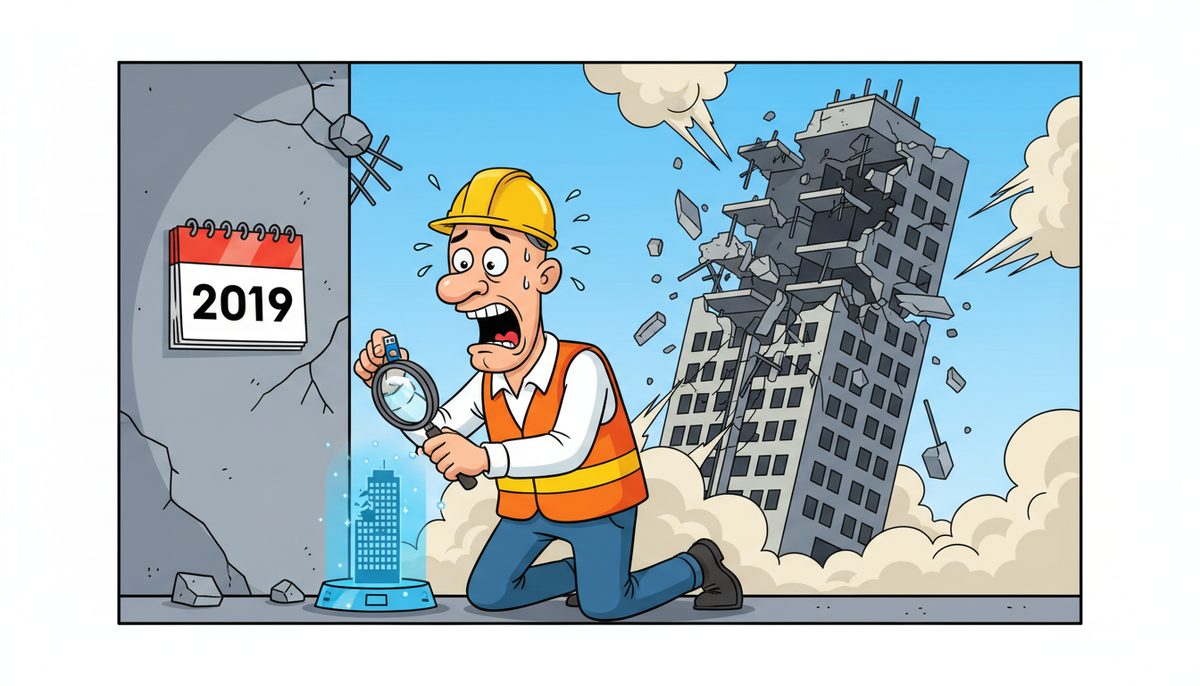
Construction companies should test their backup systems at least monthly for standard project files, with weekly testing during active project phases when critical documents like shop drawings, RFIs, and change orders are generated daily. High-value projects or those with strict compliance requirements under BC’s Builders Lien Act should follow weekly verification schedules to ensure rapid recovery capability within 24-48 hours, with testing frequency matching document generation rates—monthly for administrative files, weekly for active construction delivery.
Why Monthly Testing Isn’t Enough for Active Construction Projects
Most businesses can survive with quarterly backup testing. Construction firms can’t. When you’re three days from a bid deadline and your estimating files corrupt, or a superintendent needs yesterday’s daily reports for a WorkSafeBC incident investigation, you discover whether your backups actually work.
The construction industry operates on compressed timelines with hard deadlines. A tender closes at 2 PM whether your systems are working or not. Progress billing cycles don’t pause for data recovery. Subcontractors need their schedules and your delay becomes their lost revenue.
Monthly testing catches most backup failures before they become emergencies. During active construction phases—when you’re generating hundreds of photos daily, updating as-builts in real time, and managing dozens of RFIs—weekly verification ensures your most current work is actually protected.
Testing frequency should match your document generation rate: monthly for administrative files, weekly during active project delivery.
Victoria construction firms face additional pressure from FIPPA requirements on public sector projects. Government contracts often mandate specific data protection standards, and proving your backup systems work isn’t optional—it’s a compliance requirement that can affect contract eligibility.
What Does a Proper Backup Test Actually Include?
Too many companies confuse “backup ran successfully” with “backup actually works.” Your backup software reports success when it copies files. That doesn’t mean those files will restore correctly when you need them.
A complete backup test requires three components: verification that files were captured, confirmation that data isn’t corrupted, and proof that restoration works within your required timeframe. Each component reveals different failure modes.
Start with file integrity checks. Select random project folders from different dates and attempt full restoration to a test environment. Don’t just check that files appear—open them in their native applications. Can you open that Bluebeam file? Does the Excel estimating spreadsheet calculate correctly? Do embedded images in your submittal PDFs display?
Test your recovery time objective. Time how long full restoration takes for a typical project folder. If your superintendent needs site plans immediately and restoration takes four hours, your backup system fails your actual business requirements even if the data is technically recoverable.
Luigi from a Victoria construction firm experienced this firsthand: “Our systems were running slow in the past. DataStream installed a new backup system, provided security for our network, and established a roadmap for future projects. DataStream thoroughly cleaned our file sharing, implemented password control, and smoothly transitioned us to take back control of our network.” The transition included testing that proved old backups were incomplete.
Document every test with date, files tested, restoration time, and any issues discovered. This documentation serves two purposes: it proves due diligence for insurance and compliance audits, and it creates a performance baseline to detect degradation over time.
How Do Different Project Phases Change Testing Requirements?
Pre-construction phases generate fewer files but higher-value documents. Your estimating takeoffs, bid calculations, and contract negotiations represent months of work compressed into critical files. Losing a completed estimate two days before bid submission can cost you the project entirely.
During this phase, test backups weekly and verify that your estimating software’s proprietary file formats restore correctly. Many backup systems capture files but don’t preserve the complex database structures that estimating platforms use.
Active construction phases generate massive file volumes. Daily reports, progress photos, time and materials documentation, and field staff communications create hundreds of new files weekly. Your backup system must scale to handle this volume without performance degradation.
Test weekly during active phases, focusing on the most recent 48 hours of data. Job site conditions change rapidly, and yesterday’s photos documenting pre-pour conditions become critical evidence if issues emerge. Verify that your backup captures files from field staff devices, not just office systems.
Project closeout requires different testing priorities. As-builts, warranty documentation, and deficiency lists must remain accessible for years. Test that your backup system maintains file integrity over time and that you can retrieve documents from completed projects without restoring entire backup sets.
Substantial completion triggers retention requirements under the Builders Lien Act. Test your ability to produce complete project documentation within the timelines the Act specifies, because legal deadlines don’t accommodate IT problems.
What Backup Failures Do Construction Companies Actually Experience?
The most common failure isn’t dramatic. Files back up successfully for months, then one day you discover that a software update changed file locations and your backup hasn’t captured new documents for six weeks. You only discover this when you need those files.
Incremental backup failures create silent gaps. Your system performs full backups monthly and incremental daily, but a configuration error means incrementals aren’t actually running. You believe you have daily recovery points but actually have month-old data.
Cloud backup systems fail when internet connectivity drops. Vancouver Island construction companies working in rural areas between Victoria and Nanaimo often have unreliable connectivity. Your backup software reports success when it queues files for upload, but if the connection never stabilizes, those files never reach cloud storage.
Ransomware increasingly targets backup systems specifically. Attackers know that companies with working backups won’t pay ransoms, so they corrupt or encrypt backup files before triggering the main attack. Testing helps identify if backup files have been compromised before you need them for recovery.
File corruption during backup is less common but devastating. The backup process itself can corrupt files if performed while applications have files open. Your project management software’s database might backup in an inconsistent state, appearing intact until you attempt restoration and discover the data is unusable.
Regular testing identifies these failures while they’re still recoverable problems rather than project-ending disasters.
How Should Testing Schedules Adapt to Project Value and Risk?
A $200,000 residential renovation and a $50 million institutional project require different backup strategies. The institutional project likely involves multiple general contractors, dozens of subcontractors, and strict public sector compliance requirements that make data loss exponentially more expensive.
High-value projects justify weekly testing with documented results. The cost of comprehensive backup testing—perhaps two hours of IT time weekly—becomes negligible compared to project value and the cost of data loss.
Projects subject to FIPPA requirements need enhanced testing protocols. Public sector construction work in Victoria often involves sensitive information about government facilities. Your backup system must not only work but demonstrate compliance with privacy regulations, which means documented testing with verified results.
Multi-site projects require testing that verifies data synchronization. When your Victoria office, Nanaimo field office, and job site trailers all generate project files, your backup system must capture data from all locations. Test restoration from each site independently to confirm complete coverage.
Projects with aggressive timelines need faster recovery objectives. If your schedule has zero float and any delay triggers liquidated damages, your backup testing should verify that you can restore critical files within hours, not days. This might require local backup systems rather than cloud-only solutions.
Consider the cost of reconstruction if files are lost. Estimating takeoffs might represent 80 hours of work. As-builts could require weeks to recreate from field measurements. When reconstruction costs exceed testing costs by orders of magnitude, increase testing frequency.
What Tools and Processes Make Testing Practical for Small Construction Firms?
Small contractors often lack dedicated IT staff, making elaborate testing protocols impractical. The solution isn’t to skip testing—it’s to build testing into routine workflows so it happens automatically.
Automated verification tools can check backup integrity without manual intervention. Modern backup systems include built-in testing that randomly selects files, restores them to temporary storage, and verifies they open correctly. Configure these tools to run weekly and email results to your project manager.
Develop a simple testing checklist that non-technical staff can execute:
- Open the backup software dashboard
- Click ‘test restore’ and select last week’s project folder
- Verify three random files open correctly in their native applications
- Document results in the testing log with date and any issues
- Report failures immediately to IT support
Fifteen minutes weekly prevents catastrophic data loss.
Partner with IT providers who include backup testing in managed IT services. DataStream Networks provides proactive remote IT support that can include scheduled backup verification, ensuring testing happens consistently even when your team is focused on project delivery. Their local Vancouver Island technicians can provide on-site support when testing reveals problems that require immediate attention.
Use project milestones as testing triggers. Before submitting bids, verify that all estimating files are backed up and restorable. Before progress billing, confirm that supporting documentation is protected. Before substantial completion, test that your as-builts and closeout documents are secure. Tying testing to existing project workflows makes it a natural part of project management rather than an additional burden.
Cloud backup services often include versioning that lets you recover previous file versions. Test this capability specifically—when a superintendent accidentally overwrites yesterday’s daily report, can you recover the original? Version recovery prevents minor mistakes from becoming data loss incidents.
Testing doesn’t require expensive tools or extensive technical knowledge. It requires consistent execution of simple verification steps that prove your backups will work when you need them. For construction firms needing comprehensive protection, data backup and recovery solutions designed for business continuity can provide both automated testing and rapid restoration capabilities.
Frequently Asked Questions
How long should we keep backup copies of completed construction projects?
Keep project backups for at least seven years to cover BC’s Builders Lien Act limitation periods and potential liability claims. Institutional projects may require longer retention under FIPPA. Store completed project backups separately from active files, verify annually that archived data remains accessible, and document retention compliance for legal protection.
Should we test backups of field staff mobile devices separately?
Yes, mobile device backups require separate testing because they use different systems than office computers. Field staff capture critical progress photos and site documentation on phones and tablets. Test monthly that mobile data syncs correctly to central backup systems and that photos retain metadata like timestamps and GPS coordinates needed for documentation.
What happens if we discover backup failures during testing?
Immediately stop relying on the failed system and implement temporary manual backups while investigating. Document what files are affected and how far back the failure extends. Restore the most recent verified backup to confirm you have a recovery point. Contact IT support to diagnose and fix the underlying issue before resuming normal operations.
Can we test backups without disrupting active project work?
Yes, restore to isolated test environments rather than overwriting production files. Use separate folders or systems for restoration testing so project teams can continue working uninterrupted. Schedule intensive testing during off-hours if bandwidth limitations affect performance. Most backup verification requires minimal system resources and runs transparently in the background.
How do we test backup systems for job site trailers with limited internet?
Implement hybrid backup strategies with local storage that syncs to cloud when connectivity allows. Test local backup devices monthly by restoring files directly from the on-site system. Verify that cloud synchronization completes successfully when trailers return to areas with reliable internet. Consider cellular backup solutions for critical files that need immediate off-site protection.



