
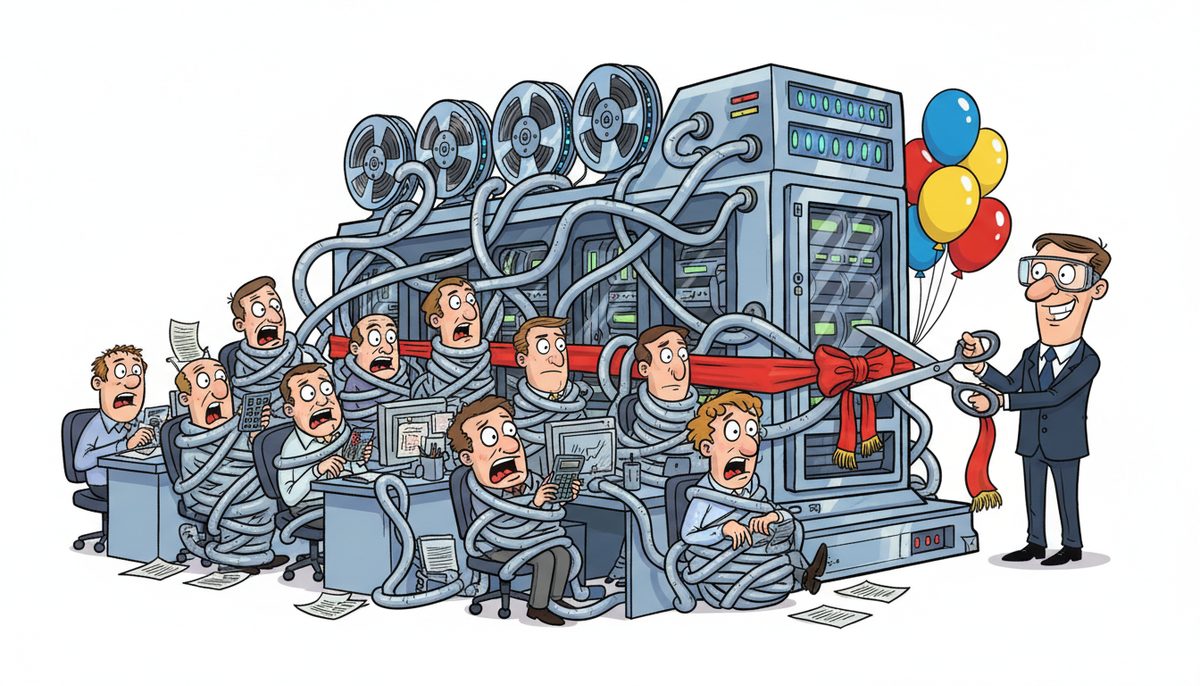
Yes, involving employees before implementing new CPA firm technology is essential. Staff who participate in selection and planning show 40-60% higher adoption rates and identify workflow issues partners might miss. Early involvement reduces resistance, accelerates training, and ensures the technology actually solves problems your team encounters daily during busy season and year-end engagements.
Why Does Employee Input Matter for Technology Success?
Your staff members are the ones who will use new practice management software, document management systems, and client portals every single day. They understand the friction points in your current workflows that slow down engagement file preparation and working paper reviews.
When you exclude employees from technology decisions, you risk selecting solutions that look good in vendor demos but fail in real-world application. A partner might prioritize integration with tax preparation software, while staff struggle with a clunky interface that adds steps to routine tasks like trial balance imports or adjusting journal entries.
Kevin from an accounting firm on Vancouver Island experienced this firsthand when working with DataStream Networks: “My accounting firm works with DataStream for all of our IT needs. We have been working with them for a few years now, and they provide managed IT services that cover all of our IT needs. It is such a good feeling knowing that if we have any issues, they are there to solve them promptly, getting my team back up and running. We have also completed some major hardware upgrades through them, and they made the process easy and smooth. We didn’t experience a single downtime during an entire server upgrade.”
That zero-downtime server upgrade happened because the implementation considered the team’s daily workflow needs. Staff input helps identify the critical windows when system interruptions would be catastrophic—like the weeks before CRA filing deadlines.
Employee involvement creates ownership and reduces the “this was forced on us” mentality that tanks technology projects.
Which Employees Should Participate in Technology Planning?
Start with your power users—the staff members who’ve mastered your current systems and often help colleagues troubleshoot. These people understand both the technical capabilities and the practical limitations of your existing tools.
Include representatives from different experience levels. Junior staff often have fresh perspectives on inefficient processes that senior team members have simply accepted as “how we’ve always done it.” A first-year associate might question why compilation engagements require seventeen steps when competitors complete them in nine.
Don’t forget your administrative team. They interact with client files, manage document flow, and handle T4 and T5 distribution. Their insights about client-facing processes are invaluable when evaluating client portals or secure file-sharing systems.
For Victoria CPA firms serving Vancouver Island’s tourism and real estate sectors, consider including staff who work with seasonal clients. They’ll understand the surge capacity requirements during busy season when your systems face maximum load.
A cross-functional team of four to six employees typically provides sufficient diversity of perspective without creating an unwieldy committee.
What Should Employees Evaluate During Technology Selection?
Give your team specific evaluation criteria rather than asking for general impressions. Have them test how the new system handles common tasks: importing bank statements, reconciling accounts, generating financial statement templates, and preparing Notice to Reader engagements.
Ask staff to time how long routine tasks take in the demo system versus your current tools. If importing a trial balance takes eight minutes instead of three, that inefficiency multiplies across hundreds of client files annually.
Security and compliance features matter enormously for CPA firms. Have technically-minded staff evaluate how the system handles BC’s Personal Information Protection Act (PIPA) requirements and CRA Represent a Client (RAC) authorizations. Your team should understand where client data resides and how backup systems protect engagement files.
Integration capabilities deserve scrutiny. Does the new practice management software connect seamlessly with your tax preparation tools, or will staff manually re-enter data? Those integration gaps create errors and frustration.
Mobile access is increasingly important for Vancouver Island firms whose partners might work from Nanaimo, Victoria, or Duncan offices. Staff should test whether they can securely access working papers from tablets during client meetings or while working remotely.
Employees should also evaluate vendor support quality—critical when you’re facing a system issue hours before a filing deadline.
How Do You Structure Employee Involvement Without Delaying Decisions?
Create a clear timeline with defined decision points. Technology selection doesn’t require consensus, but it does require input. Set a two-week window for staff to test shortlisted solutions, then make your decision.
Use a structured feedback form that asks specific questions:
- Rate the ease of creating adjusting journal entries on a scale of 1-10
- How many clicks does it take to attach source documents to a working paper?
- Can you complete a standard bank reconciliation faster than in the current system?
- Does the mobile interface allow secure client file access?
- How intuitive is the financial statement generation process?
Concrete metrics prevent vague feedback like “I just don’t like it.”
Schedule working sessions where employees can test systems together and discuss their observations. Group evaluation often surfaces insights that individuals miss. One staff member might discover a keyboard shortcut that dramatically speeds up data entry.
Assign an internal project champion—typically a senior associate or manager—who coordinates employee feedback and communicates with vendors. This person becomes the liaison between staff concerns and partner decisions.
For implementation planning, involve employees in creating the rollout schedule. They know which periods are absolutely untouchable (January through April busy season) and when you have breathing room for training and system migration.
Working with a local IT support provider in Victoria who understands CPA firm workflows can accelerate this process, as they’ve seen what works across multiple practices.
Clear structure and deadlines prevent employee involvement from becoming an endless consultation process.
What Happens When You Skip Employee Involvement?
Resistance emerges immediately. Staff members who weren’t consulted view the new system as an imposition rather than an improvement. They’ll continue using workarounds with the old system as long as possible, creating dual-system chaos.
You’ll discover critical workflow gaps after implementation when it’s expensive to fix them. That practice management system you purchased might not support the specific engagement letter templates your firm uses, forcing staff to maintain documents outside the system—defeating the entire purpose.
Training takes longer and costs more. Employees who participated in selection already understand the system’s logic and can help train colleagues. When everyone starts from zero, you’re paying for extended training time during periods when billable hours are precious.
Morale suffers when staff feel their expertise is disregarded. Your senior associates have spent years developing efficient workflows. Ignoring their input signals that their knowledge doesn’t matter, which is particularly damaging in a profession where expertise is your primary asset.
For Vancouver Island CPA firms, geographic isolation amplifies these problems. When your technology vendor is in Vancouver and ferry delays prevent timely on-site support, having staff who understand and support the system becomes even more critical. Local managed IT services with Vancouver Island technicians can provide the immediate support that prevents small issues from becoming crisis situations.
The cost of fixing a poorly-selected system—in dollars, time, and team morale—far exceeds the effort of involving employees upfront.
CPA firms that involve employees in technology selection report 40-60% higher adoption rates and identify 70% more workflow issues before implementation.
How Do You Maintain Employee Engagement After Implementation?
Create feedback channels for the first 90 days post-implementation. Staff will discover issues and opportunities that weren’t apparent during testing. A simple weekly check-in meeting allows you to address problems while they’re still small.
Designate system champions among your staff—the employees who’ve mastered the new technology and can provide peer support. Colleagues often prefer asking a coworker for help rather than admitting confusion to a partner.
Track efficiency metrics that demonstrate value. If the new document management system reduced time spent searching for client files from 15 minutes to 2 minutes, share that win with the team. Visible improvements justify the disruption of change.
Schedule refresher training sessions after busy season when staff have mental bandwidth to explore advanced features. Initial training covers survival skills; follow-up training unlocks the system’s full potential.
Continue involving employees in optimization decisions. As your firm grows or adds services, staff input helps you configure the system to support new workflows rather than forcing new processes into old system constraints.
For firms working with technology partners like DataStream Networks, leverage their proactive monitoring and support. When your IT provider identifies potential issues before they impact operations, staff confidence in the technology grows. That reliability is particularly valuable during year-end and tax season when system failures aren’t just inconvenient—they’re catastrophic.
Ongoing engagement transforms technology from a one-time project into a continuous improvement process.
Frequently Asked Questions
When should we start involving employees in technology planning?
Begin employee involvement during the initial needs assessment phase, before you’ve contacted vendors. Staff input helps you define requirements accurately, ensuring you evaluate systems that solve actual problems rather than theoretical ones. Early involvement also gives employees time to prepare for change rather than being surprised by sudden announcements.
How do we handle disagreements between employee preferences and partner priorities?
Acknowledge that partners make final decisions based on strategic factors employees might not see, like long-term scalability or integration with planned service expansions. Explain the reasoning behind decisions that override staff preferences. When employees understand why their preferred option wasn’t selected, they’re more likely to support the chosen solution even if it wasn’t their first choice.
Should we involve employees in cybersecurity technology decisions?
Absolutely. Staff members are your first line of defense against phishing attacks and social engineering. When employees participate in selecting email SPAM protection, multi-factor authentication systems, and data backup solutions, they understand why these security measures exist and comply more consistently. CPA firms handling sensitive client financial data under PIPA regulations need staff who view security as essential rather than inconvenient.
What if our employees resist all technology changes?
Resistance often signals that previous technology implementations were poorly managed or that current systems are genuinely inadequate. Address the root cause by involving resistant employees in identifying specific pain points with existing tools. When staff help define the problems, they’re more invested in finding solutions. Start with small, high-impact changes that demonstrate quick wins before tackling comprehensive system overhauls.
How much does technology implementation support cost for CPA firms?
Professional IT implementation support varies based on system complexity and firm size. Co-managed IT services that provide guidance during technology transitions typically cost $50–$150 per user per month, while full managed IT services including ongoing support range from $150–$225 per user per month. One-time gap analysis or readiness assessments run $2,500–$10,000 depending on scope. Local Vancouver Island providers offer the advantage of on-site support without ferry-dependent delays during critical periods.
Can small CPA firms afford to involve employees in technology decisions?
Small firms actually benefit more from employee involvement because each staff member’s productivity has greater impact. A three-person practice can conduct efficient technology evaluation in focused two-hour sessions over two weeks. The cost of selecting the wrong system—in lost productivity, replacement expenses, and staff frustration—far exceeds the time investment in proper evaluation. Small firms should leverage their agility to make faster, better-informed decisions.



