You should restrict browser extensions to a pre-approved list that you’ve vetted for security and necessity. Unrestricted extension installation creates significant data breach risks for CPA firms—over 85% of browser extensions request access to read and modify all website data, including client portals, CRA EFILE credentials, and working papers. Allow only essential, verified extensions through centralized management policies.
Browser extensions feel harmless. Your staff installs a PDF converter, a grammar checker, or a productivity tool to make their work easier during busy season. But each extension requests permissions that can expose T1 files, client financial statements, and engagement files to third parties—or worse, to attackers who’ve compromised legitimate extensions.
Why Do Browser Extensions Create Security Risks for CPA Firms?
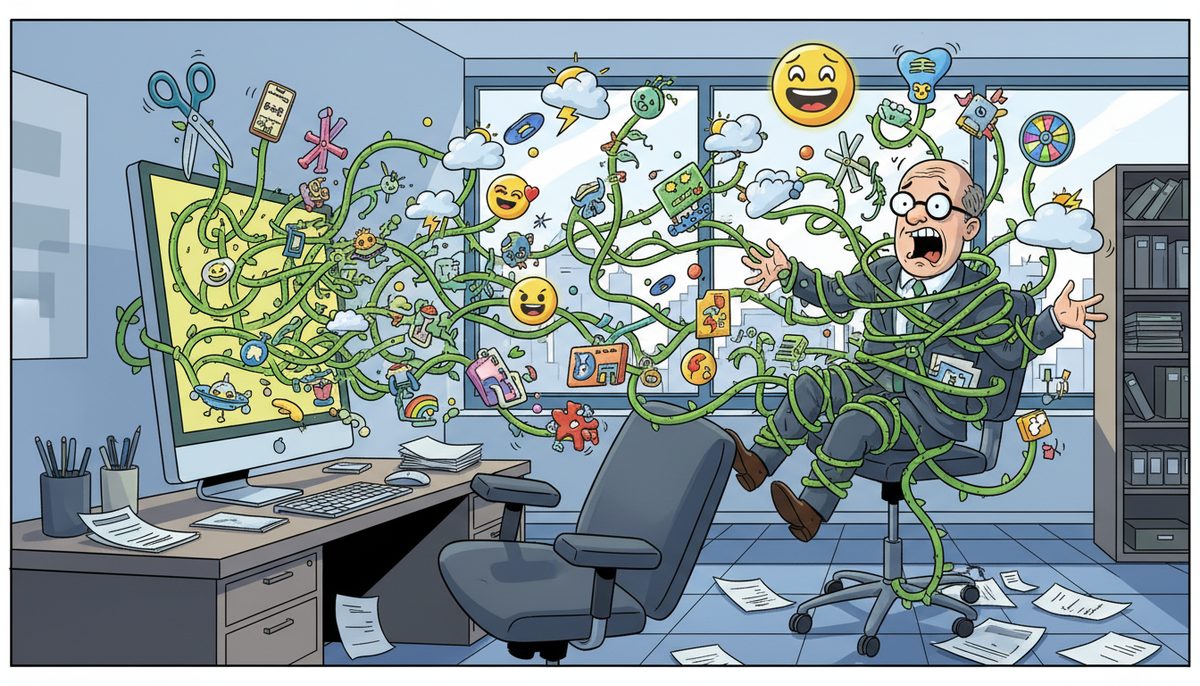
Browser extensions operate with extraordinary privileges. When your employee installs an extension, they’re granting it permission to read every webpage they visit, capture keystrokes, modify content, and access cookies and session tokens. For your Victoria CPA firm handling sensitive client data, this creates multiple exposure points.
Consider what happens during your typical tax season workday. Your staff logs into CRA My Business Account to EFILE returns, accesses cloud-based practice management software containing client files, reviews bank statements through client portals, and works in accounting software with complete financial records. A malicious or compromised extension with “read and modify all website data” permission can capture everything.
The villain here isn’t just obviously malicious extensions. Legitimate extensions get sold to new owners who inject data-harvesting code. Extensions get compromised through supply chain attacks. Even well-intentioned extensions collect more data than necessary and store it insecurely. Your firm’s confidentiality obligations under CPA professional standards don’t disappear because an employee wanted a convenient tool.
Geography compounds this risk for Vancouver Island firms. When a breach occurs, you need immediate local support to contain it before client data leaves your network. Waiting for mainland technicians during a security incident means more data exposure and harder conversations with CPA BC during practice inspections.
What Client Data Can Browser Extensions Access?
Extensions with broad permissions can access virtually everything visible in your browser. This includes client names, Social Insurance Numbers from T1 returns, corporate financial statements, bank account numbers from compiled financial data, and authorization codes for CRA Represent a Client access.
Your working papers stored in cloud systems are particularly vulnerable. When your staff opens engagement files in browser-based document management systems, extensions can read the content. The same applies to email—if you use webmail for client communications, extensions can access those messages and any attached financial documents.
Session tokens and authentication cookies are another target. Extensions can steal these credentials, allowing attackers to impersonate your staff and access client files without needing passwords. This is especially dangerous for your CRA EFILE credentials during tax season when your team is filing hundreds of returns.
Browser extensions with excessive permissions can access and exfiltrate client financial data faster than you can detect the breach.
The technical reality is stark: most extensions request far more permissions than they need to function. A simple screenshot tool doesn’t need access to modify every website you visit, but many request exactly that permission. Your staff doesn’t understand these technical distinctions—they just click “Add Extension” to get their work done.
How Should CPA Firms Manage Browser Extension Policies?
Start with a default-deny policy. No extensions are allowed unless explicitly approved by someone who understands both the business need and the security implications. This isn’t about being restrictive—it’s about protecting client confidentiality and meeting your professional obligations.
Create a short list of approved extensions that you’ve vetted. Review each extension’s requested permissions, research the developer’s reputation, check for security audits or certifications, and verify that updates haven’t introduced new risks. For Victoria CPA firms, this typically means 3-5 essential extensions maximum.
Use browser management tools to enforce your policy technically. Google Chrome and Microsoft Edge both offer enterprise policies that let you specify exactly which extensions can be installed. Your staff can’t bypass this by clicking “Add Extension”—the browser simply won’t allow unauthorized additions.
Document your extension policy in writing. CPA BC practice inspections examine IT controls, and you need to demonstrate that you’ve thought through data protection systematically. Your policy should specify who approves extensions, how often you review the approved list, and what happens when staff request new tools.
Train your staff on why the policy exists. They need to understand that browser extensions aren’t just convenient tools—they’re third-party software with access to client data. Frame it in terms they understand: Would you give a random software vendor access to your filing cabinets full of client files? That’s effectively what unrestricted extensions do.
Which Browser Extensions Are Typically Safe for CPA Firms?
“Safe” is relative, but some extensions present lower risk when properly vetted. Password managers from reputable vendors (1Password, Bitwarden, LastPass) are often essential for managing the dozens of client portal credentials your firm maintains. These are specifically designed for security and undergo regular audits.
Ad blockers like uBlock Origin can improve security by preventing malicious advertisements from loading. However, verify you’re installing the legitimate version—copycat extensions with similar names are common.
Official extensions from software vendors you already trust may be appropriate. If your practice management software offers a browser extension for time tracking or document capture, and you’ve already vetted that vendor’s security practices, the extension may be acceptable.
Avoid extensions that promise to enhance productivity through broad access. Grammar checkers, PDF converters, screenshot tools, and web clippers typically request excessive permissions. For these functions, use standalone desktop applications instead—they’re easier to secure and don’t have access to your browser sessions.
Never allow extensions that modify website content, inject advertisements, or promise to enhance social media. These have no legitimate business purpose for CPA firms and present pure risk.
What Happens When You Don’t Control Browser Extensions?
The failure scenarios are concrete and have happened to accounting firms. A staff member installs a malicious extension that captures CRA EFILE credentials. The attacker files fraudulent returns under your firm’s name, triggering CRA investigations and professional liability claims.
A compromised extension exfiltrates client financial data to overseas servers. You discover the breach months later during a practice inspection. You’re now facing mandatory breach reporting to CPA BC, potential notification requirements under BC’s Personal Information Protection Act, and conversations with every affected client about how their confidential financial information was compromised.
Less dramatically but more commonly, productivity-focused extensions slow down browsers, create compatibility issues with practice management software, and generate support calls during tax season when your team should be focused on client work. Your staff wastes time troubleshooting extension conflicts instead of completing T1 returns.
Client trust erodes. When you tell clients their data is secure, but your staff is installing random browser extensions with access to everything, you’re creating a gap between your promises and your practices. Sophisticated business clients—especially Victoria’s growing tech sector companies—will notice this gap.
The reputational damage from a data breach traced to a browser extension is severe. Other Victoria CPA firms will win clients by demonstrating they have stronger IT controls. Your firm becomes known as the one that lost client data because someone wanted a convenient PDF tool.
How Does Local IT Support Help Manage Browser Security?
Managing browser extensions across your firm requires technical implementation that most small CPA practices can’t handle internally. You need someone who understands both the security requirements and the practical realities of busy season workflows.
The anxiety of storing sensitive financial data knowing that a security gap could expose client information during year-end is real. Vancouver Island businesses have worked with local technicians since 2012 who understand that CPA firms can’t afford technology problems during tax season when every hour counts toward meeting CRA deadlines.
Adriene J., who works with local IT support for her employer, notes: “I always feel well-supported whenever any issues arise. They are also extremely knowledgeable when it comes to coming up with solutions for our operations.” This kind of partnership helps you implement technical controls without disrupting busy season workflows.
Local Victoria technicians who understand CPA firm operations can implement browser management policies without disrupting your work. They configure enterprise browser controls, set up your approved extension list, and handle the inevitable support calls when staff need new tools evaluated. When issues arise—an extension breaks after an update, or you need to add a new tool quickly—you’re talking to someone who answers immediately and understands the urgency of April 30th deadlines.
The difference between local Vancouver Island support and waiting for mainland technicians matters during security incidents. If a compromised extension is detected, you need someone on-site within the hour to contain the breach, not someone catching the next ferry. Local presence with technicians in Victoria, Nanaimo, and Duncan provides that immediate response.
What’s Your Three-Step Path to Secure Browser Extension Management?
- Call (250) 929-0745 and talk immediately to a Victoria-based technician who understands CPA firm security requirements and can assess your current browser extension risks without disrupting busy season workflows.
- Get browser management policies implemented and enforced across your firm—most configuration is completed remotely within minutes, with clear documentation for CPA BC practice inspections.
- Work with local Vancouver Island technicians who maintain your approved extension list, evaluate new tool requests quickly, and respond immediately when security concerns arise during tax season.
What Does Success Look Like for Your CPA Firm?
You complete tax season knowing that client data flowing through your browsers is protected by enforced policies, not just staff awareness. When CPA BC conducts practice inspections, you confidently demonstrate documented IT controls that protect client confidentiality.
Your staff still has the tools they need to work efficiently. The approved extension list includes genuinely useful tools that have been properly vetted. When someone requests a new extension, they get a fast evaluation and either approval or a secure alternative—not just “no” with no explanation.
You sleep soundly knowing that a compromised browser extension won’t expose client T1 files or corporate financial statements. Your firm’s reputation for protecting client confidentiality is backed by actual technical controls, not just professional standards language on your website.
Victoria’s tech sector clients choose your firm because you can demonstrate security practices that match their expectations. You’re not scrambling to explain browser security gaps when sophisticated clients ask about your data protection measures.
If you’re ready to implement browser extension controls that protect client data without disrupting your workflow, call (250) 929-0745 to talk to a real Victoria technician now. Or if you want to understand how comprehensive IT management supports CPA firm operations, explore managed IT services designed for professional practices on Vancouver Island. For broader guidance on protecting your firm’s technology infrastructure, review our recommendations on cybersecurity for accounting firms.
Frequently Asked Questions
Can I allow browser extensions if we use two-factor authentication?
Two-factor authentication protects initial login but doesn’t prevent extensions from accessing data after authentication succeeds. Extensions operate within your authenticated browser session, so they can read client files, capture data from web applications, and access everything visible on screen. You still need extension controls even with strong authentication protecting your accounts.
How do I explain extension restrictions to staff who rely on them?
Frame it as client confidentiality protection, not IT restrictions. Explain that browser extensions have access to everything they see on screen—including client SINs, financial statements, and CRA credentials. Offer to evaluate specific tools they need and find secure alternatives. Most staff understand once they realize extensions can read client data just like they can.
What if a client requires us to use a specific browser extension?
Evaluate that specific extension through your approval process. Review its permissions, research the vendor’s security practices, and determine if the business requirement justifies the risk. If approved, limit installation to only the staff who work with that client. Document your risk assessment for practice inspection purposes and consider contractual language about security responsibilities.
Are browser extensions safer in Chrome versus Edge or Firefox?
All major browsers have similar extension security models and face similar risks. Chrome has the largest extension ecosystem, which means more choice but also more malicious extensions. Edge and Firefox have smaller extension libraries but aren’t inherently safer. Your security comes from controlling which extensions are allowed, not from browser choice. Focus on extension vetting and management policies regardless of browser.
How often should we review our approved extension list?
Review quarterly at minimum, and immediately when you hear about security issues with any approved extension. Extensions get sold to new owners, updates introduce new permissions, and vulnerabilities are discovered. Set a calendar reminder to check each approved extension’s recent reviews, verify the developer hasn’t changed, and confirm no new security concerns have emerged since your last review.