
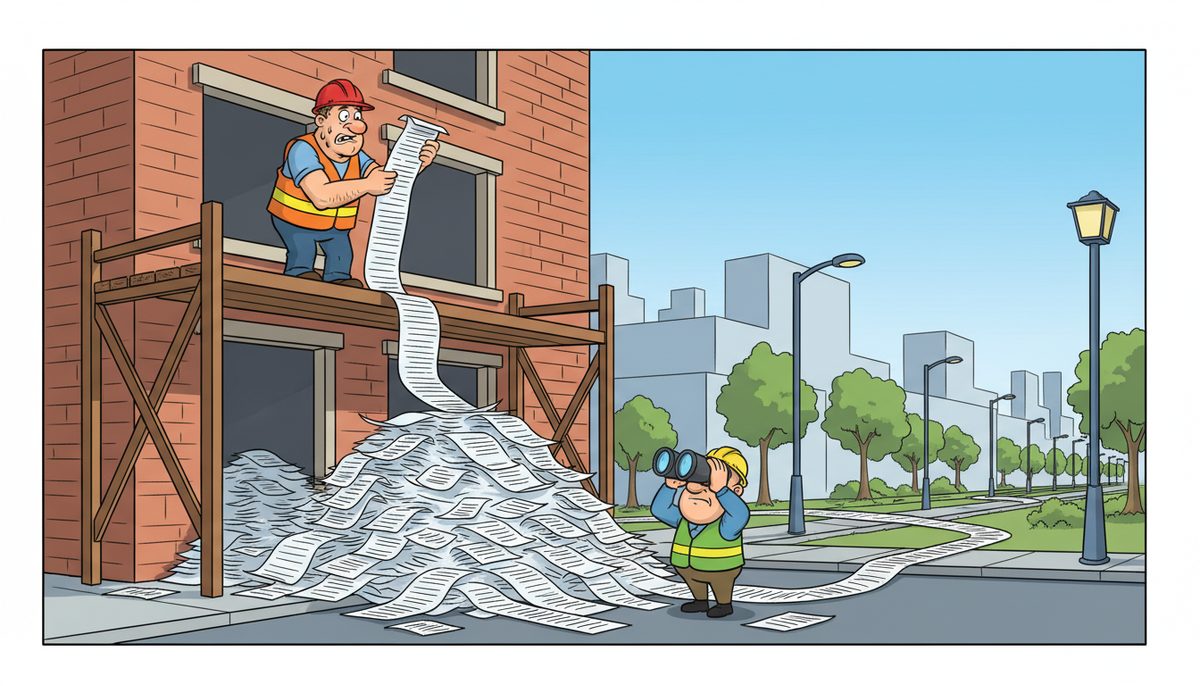
Construction companies in Nanaimo must comply with WorkSafeBC’s Occupational Health and Safety Regulation, which includes over 700 sections covering everything from fall protection to documentation requirements. Effective compliance requires reliable IT systems to maintain mandatory records for inspection, incident reporting within 48 hours, and retention of safety documentation for at least three years as specified under the Workers Compensation Act.
What Documentation Must Construction Companies Maintain for WorkSafeBC Compliance?
WorkSafeBC requires construction companies to maintain comprehensive written records that demonstrate ongoing safety management. These include your Occupational Health and Safety Program, hazard assessments for each work activity, and written safe work procedures for high-risk tasks.
Your company must keep records of all workplace inspections, which prime contractors must conduct at least monthly on projects lasting more than six months. Incident investigation reports must be completed and stored for any workplace injury, illness, or near-miss event. Training records documenting worker orientation, task-specific training, and supervisor safety training are mandatory and frequently requested during inspections.
Material Safety Data Sheets (MSDS) or Safety Data Sheets (SDS) must be accessible for every hazardous product on site. Meeting minutes from joint health and safety committee meetings require retention, along with documentation of corrective actions taken in response to identified hazards.
Luigi Mansueti from a Victoria construction company experienced firsthand how IT failures impact compliance: “Our systems were running slow in the past. DataStream installed a new backup system, provided security for our network… DataStream thoroughly cleaned our file sharing, implemented password control, and smoothly transitioned us to take back control of our network.” The result was systems no longer running slow and regained network control—critical when WorkSafeBC inspectors request immediate access to safety documentation.
These records must be readily accessible both at your office and job sites. A system failure during an inspection can result in compliance violations even if the documentation exists but cannot be retrieved.
How Long Must Construction Safety Records Be Retained Under BC Regulations?
WorkSafeBC mandates minimum retention periods that vary by document type. The following retention requirements apply to construction companies:
- Accident and incident investigation reports: Minimum three years from the date of the incident
- Training records: Duration of employment plus three years after a worker leaves your company
- Exposure records for designated substances: 40 years after the last known exposure (asbestos, lead, silica)
- Joint health and safety committee meeting minutes: Three years
- Workplace inspection records: Three years
- Hazard assessments and safe work procedures: Three years after superseded by updated versions
WorkSafeBC can impose penalties up to $707,990 for serious violations, making reliable data backup and recovery systems essential for compliance.
The Canada Revenue Agency adds another layer of requirements, mandating that construction companies retain contracts, invoices, and project documentation for six years. When IT systems fail, companies risk losing records needed for both safety compliance and tax audits.
Reliable data backup and recovery solutions prevent catastrophic record loss. Your backup system should include automated daily backups, off-site storage, and rapid recovery capabilities to restore documents within hours if systems fail.
What IT Systems Support Real-Time Incident Reporting Requirements?
WorkSafeBC requires employers to investigate all incidents and report serious injuries or fatalities within three days. For construction projects, this means field supervisors need immediate access to reporting systems from remote job sites across Vancouver Island.
Cloud-based incident reporting platforms allow site supervisors to document incidents immediately using mobile devices, even from locations with limited connectivity. These systems should capture photos, witness statements, and preliminary investigation findings while details are fresh.
Your incident management system must sync with your central documentation repository so that reports are immediately available to safety coordinators and management. Integration with your employee database ensures accurate worker information, while connection to your training records system helps identify whether involved workers had completed required safety training.
Email systems play a critical role in incident notification chains. When a reportable incident occurs, automated alerts must reach designated personnel immediately. Email downtime during critical incidents can delay required notifications to WorkSafeBC, creating compliance violations.
For construction companies managing multiple job sites from Nanaimo to Port Alberni, centralized IT management ensures consistent incident reporting across all locations. Local IT support becomes essential when systems fail at remote sites—waiting days for technician dispatch can mean missed reporting deadlines.
How Do Construction Companies Manage Safety Training Records Across Multiple Job Sites?
Construction companies operating across Vancouver Island face the challenge of tracking which workers have completed required safety training before they arrive at job sites. A centralized training management system prevents untrained workers from performing high-risk tasks.
Your system should track orientation training for new hires, task-specific training for activities like fall protection or confined space entry, and supervisor safety training for foremen and project managers. Digital training records allow site supervisors to verify worker qualifications instantly using tablets or smartphones.
WorkSafeBC requires that workers receive site-specific orientation before starting work on any new project. Your training management system should flag workers who need orientation when they’re assigned to new sites, preventing compliance gaps.
Integration between your training records and project management software ensures that only qualified workers are scheduled for specialized tasks. When a project requires crane operation or scaffolding erection, the system should verify that assigned workers hold current certifications.
Daryl Wood, another construction professional, emphasized the cost of IT failures: “Considering all the cyber threats facing businesses today, you have to ask, what happens if your systems go down and you can’t operate for several days? If this would cause you big problems, I’d suggest protecting yourself by selecting DataStream as your security partner and get some peace of mind knowing they have it covered.” For construction companies, losing access to training records can shut down job sites until compliance is verified.
Regular automated backups of training databases prevent data loss that could leave you unable to prove worker qualifications during inspections.
What Role Does IT Infrastructure Play in Joint Health and Safety Committee Compliance?
Construction companies with 20 or more workers must establish a joint health and safety committee under WorkSafeBC regulations. These committees require IT support for meeting scheduling, minute distribution, action item tracking, and document management.
Committee meeting minutes must be posted in the workplace where workers can access them. Digital document management systems allow you to post minutes on shared drives accessible from job site trailers and main offices simultaneously.
Action item tracking systems ensure that safety concerns raised by committee members receive timely follow-up. Your IT infrastructure should support workflow management that assigns corrective actions to responsible personnel and sends automated reminders for overdue items.
Email systems facilitate communication between committee members who work at different locations. When committee co-chairs need to coordinate meeting agendas or circulate draft minutes for review, reliable email service prevents communication breakdowns that delay compliance activities.
Document version control becomes critical when committee members review and revise safety policies. Your IT systems should prevent multiple people from editing the same document simultaneously and maintain audit trails showing who made changes and when.
For Nanaimo construction companies serving projects from Victoria to Campbell River, coordinating committee meetings across dispersed locations requires video conferencing capabilities and shared document platforms that work reliably despite varying internet connectivity at job sites.
How Do Construction Companies Protect Safety Data Under BC Privacy Legislation?
Construction companies must balance WorkSafeBC’s documentation requirements with privacy obligations under BC’s Personal Information Protection Act (PIPA). Incident reports, injury records, and exposure monitoring data contain personal health information requiring protection.
Your IT security measures must prevent unauthorized access to worker health records while ensuring that authorized personnel can access documents quickly during inspections or investigations. Role-based access controls limit who can view sensitive information, with audit logs tracking every access.
Encryption protects safety data both in storage and during transmission. When site supervisors email incident reports to head office, encryption prevents interception. When safety records are stored on servers or cloud platforms, encryption ensures that data breaches don’t expose worker information.
Email spam protection and advanced security solutions prevent phishing attacks that could compromise access to safety management systems. A single successful phishing attack could give cybercriminals access to your entire safety documentation repository.
Regular security updates and patch management keep your systems protected against known vulnerabilities. Construction companies often run project management and safety software on aging computers at job sites, creating security gaps if updates aren’t applied consistently.
Data backup systems must include the same security measures as production systems. Backing up sensitive safety records to unencrypted external drives or unsecured cloud storage creates privacy violations even if the backup is never accessed.
Local IT support teams familiar with BC privacy requirements ensure your security measures meet both WorkSafeBC documentation needs and PIPA protection standards.
What Happens When IT Systems Fail During a WorkSafeBC Inspection?
WorkSafeBC officers can arrive at construction sites unannounced and request immediate access to safety documentation. If your IT systems are down and you cannot produce required records, officers may issue violation tickets or stop-work orders even if the documentation exists but is temporarily inaccessible.
The cost of IT downtime extends beyond inspection failures. When project managers cannot access current safety procedures, work may proceed using outdated methods that create hazards. When site supervisors cannot verify worker training records, unqualified workers may be assigned to dangerous tasks.
Construction companies operating across Vancouver Island face unique challenges when IT failures occur at remote job sites. A server failure at your Nanaimo head office can prevent site supervisors in Port Alberni from accessing safety documentation, effectively shutting down multiple projects simultaneously.
Lightning-fast response times become essential. Most IT problems can be fixed remotely within minutes when you have proactive support monitoring your systems. For issues requiring physical intervention, automatic on-site technician dispatch ensures that local Vancouver Island technicians arrive quickly rather than waiting for mainland support.
Redundant systems provide backup access to critical safety documents. Cloud-based document management with offline access capabilities allows site supervisors to retrieve safety procedures even when internet connectivity fails at remote locations.
Regular system maintenance and proactive monitoring prevent failures during critical moments. When your IT support provider monitors your network continuously, potential problems are identified and resolved before they cause downtime during inspections or incident responses.
For construction companies, the question isn’t whether IT failures will impact safety compliance—it’s whether you have support systems in place to prevent and rapidly resolve those failures.
Frequently Asked Questions
What are the mandatory safety documents for construction sites in BC?
BC construction sites must maintain a written Occupational Health and Safety Program, site-specific hazard assessments, safe work procedures for high-risk tasks, inspection records, incident investigation reports, worker training records, and Material Safety Data Sheets. Prime contractors must also keep project-specific safety plans and coordination meeting minutes. These documents must be accessible at both office and job site locations.
How quickly must construction companies report serious injuries to WorkSafeBC?
Employers must report serious injuries, fatalities, and major structural failures to WorkSafeBC immediately by telephone. Written reports must follow within three days. Serious injuries include those requiring medical treatment beyond first aid, causing unconsciousness, or involving major fractures. Failure to report within required timeframes can result in administrative penalties and increased inspection scrutiny for your company.
What IT systems are essential for construction safety compliance?
Essential IT systems include secure document management for safety records, incident reporting platforms accessible from job sites, training management databases, email systems for committee communication, and reliable data backup with rapid recovery capabilities. Cloud-based solutions provide access from remote locations while maintaining security. Integration between systems prevents data silos that create compliance gaps when information cannot be cross-referenced.
How does data backup protect construction companies from compliance violations?
Automated daily backups with off-site storage ensure that safety records remain accessible even after hardware failures, cyberattacks, or disasters. WorkSafeBC retention requirements span years or decades depending on document type. Lost records cannot be recreated and leave companies unable to demonstrate historical compliance. Backup systems should enable recovery within hours to minimize disruption during inspections or incident investigations.
What are the penalties for failing to maintain required safety documentation?
WorkSafeBC can issue administrative penalties ranging from hundreds to over $700,000 for serious violations. Failure to maintain required records constitutes a violation even if actual safety practices are adequate. Officers may issue stop-work orders until compliance is demonstrated. Beyond regulatory penalties, missing documentation weakens your defense in injury claims and can increase insurance premiums.
Do construction companies need different IT support than other industries for OHS compliance?
Yes. Construction requires IT support that understands remote job site challenges, rapid on-site response when systems fail at project locations, and integration between safety management and project scheduling systems. Vancouver Island construction faces additional challenges from geography and ferry-dependent logistics. Local technicians who can reach job sites quickly prevent extended downtime that shuts down projects and creates compliance gaps.



