
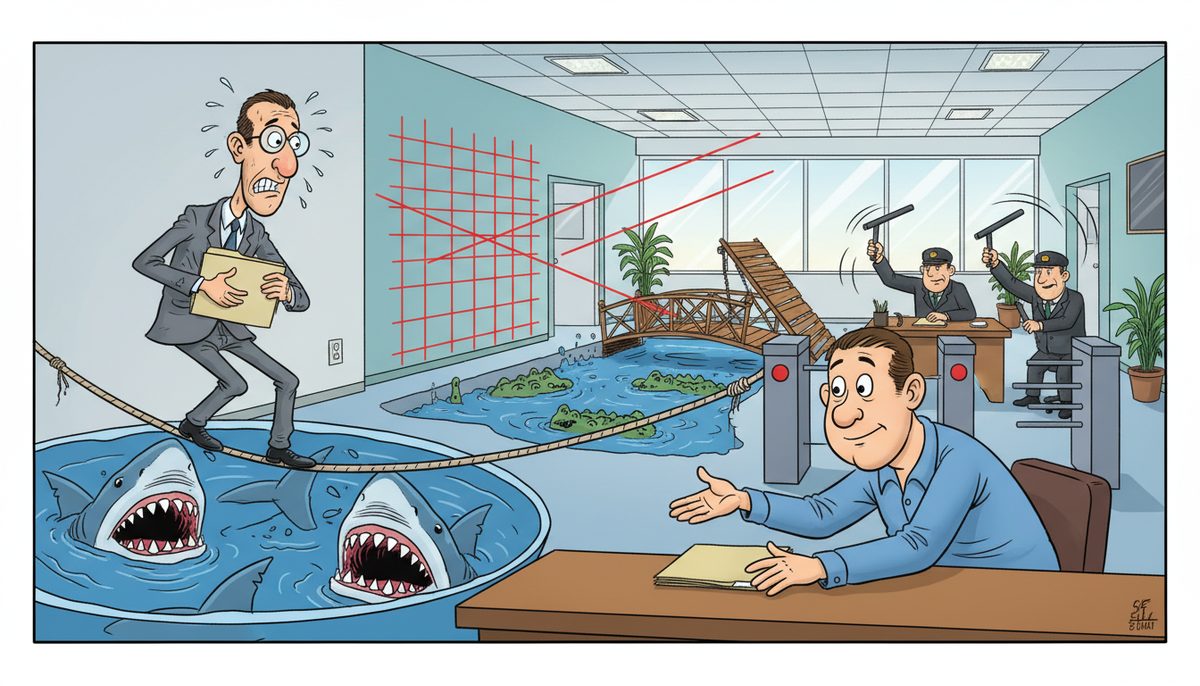
Securely share confidential CPA firm client information using encrypted file transfer systems with multi-factor authentication, client portals with role-based access controls, and end-to-end encrypted email. Never send sensitive tax documents or financial data through standard email—at minimum, use password-protected encrypted files with passwords shared through separate channels. Implement a zero-trust verification process requiring at least 2 authentication factors before granting access to any client data.
What encryption standards should CPA firms use for client file sharing?
Use AES-256 encryption for files at rest and TLS 1.2 or higher for data in transit. These are the current industry standards that meet CPA Canada privacy guidelines and provincial privacy legislation requirements across Canada.
Your file-sharing solution should automatically encrypt files before they leave your network. Client portals and secure file transfer systems handle this encryption without requiring staff to remember manual steps, reducing human error.
Avoid consumer-grade file sharing services like personal Dropbox or Google Drive accounts. These platforms lack the audit trails, access controls, and compliance features that accounting firms need to demonstrate due diligence if a breach occurs.
Kevin from an accounting firm on Vancouver Island worked with DataStream for several years and experienced zero downtime during an entire server upgrade—the kind of reliability that matters when tax deadlines approach and client data must remain accessible yet secure.
Encryption alone isn’t enough; you need logging that tracks who accessed what files and when, creating an audit trail that satisfies professional liability requirements.
Which authentication methods prevent unauthorized access to client data?
Multi-factor authentication (MFA) should be mandatory for all systems containing client information. This means requiring something the user knows (password), something they have (phone or hardware token), and ideally something they are (biometric verification).
Password-only access is insufficient for CPA firms. A compromised password—through phishing, data breaches, or weak password practices—gives attackers complete access to sensitive financial records, tax returns, and business strategy documents.
Implement time-based one-time passwords (TOTP) through authenticator apps rather than SMS codes. SMS can be intercepted through SIM-swapping attacks, while authenticator apps generate codes locally on the device.
For client-facing portals, consider adaptive authentication that evaluates login risk based on device, location, and behavior patterns. If a client typically logs in from Victoria but suddenly attempts access from another country, the system can require additional verification.
Firms using MFA experience 99.9% fewer account compromise incidents compared to password-only authentication.
Role-based access ensures staff members only see client files relevant to their responsibilities. Your tax preparation specialist doesn’t need access to audit work papers, and vice versa.
How do secure client portals compare to encrypted email for file sharing?
| Feature | Secure Client Portal | Encrypted Email |
|---|---|---|
| Access Control | Granular permissions, revocable access, expiration dates | Limited control once sent, recipient keeps copy |
| Audit Trail | Complete logs of downloads, views, and access attempts | Minimal tracking, no visibility after delivery |
| File Size | Large files (often 5GB+) without compression | Typically limited to 25MB, requires compression |
| Client Experience | Centralized location for all documents, organized by year/type | Files scattered across email threads, difficult to locate |
| Compliance | Built-in retention policies, automatic deletion after specified period | Manual deletion required, often forgotten |
| Version Control | Automatic versioning, clear indication of latest document | Multiple versions create confusion, risk of using outdated data |
Client portals provide superior security and user experience for ongoing relationships. Encrypted email works for one-off exchanges but creates management overhead when you’re sharing dozens of documents throughout tax season.
The portal approach also protects you from client email compromise. If a client’s email account is hacked, attackers can’t access portal-stored documents without separate authentication credentials.
Portals with advanced security solutions integrate with your practice management software, automatically organizing client files by engagement type and tax year without manual filing.
What protocols should govern sharing information with third parties?
Establish written data sharing agreements before transmitting any client information to third-party service providers, co-counsel, or financial institutions. These agreements must specify permitted uses, security requirements, and breach notification procedures.
Verify the recipient’s identity before sharing. A phone call to a known number—not one provided in the request email—confirms you’re sending to the legitimate recipient rather than a phishing attacker impersonating them.
Use unique, single-use sharing links with expiration dates. If you’re sending a client’s financial statements to their banker, generate a link that expires in 72 hours and can only be accessed once, preventing forwarding or prolonged exposure.
Never include sensitive details in email subject lines or message bodies. “Q4 2024 Financial Statements” is acceptable; “John Smith – $2.3M Tax Loss Carryforward Analysis” exposes confidential information if the email is misdirected or intercepted.
Document every external share in your client file. Note what was shared, with whom, when, and the business purpose. This documentation demonstrates professional diligence if questions arise later.
Third-party risk extends to your own IT vendors. Working with technology management providers who understand CPA confidentiality requirements ensures your support team follows the same protocols you’ve established for client data.
How can CPA firms train staff to follow secure sharing practices?
Implement mandatory security awareness training covering phishing recognition, password hygiene, and proper file handling procedures. Annual training isn’t sufficient—quarterly sessions with real-world examples keep security top of mind.
Use simulated phishing campaigns to test staff vigilance. Send fake phishing emails and track who clicks suspicious links or provides credentials. Those who fall for simulations receive immediate targeted training before a real attack occurs.
Create simple decision trees for common scenarios. “Should I email this document?” flowcharts help staff make correct choices under deadline pressure without consulting IT each time.
Establish a no-blame reporting culture. Staff must feel comfortable reporting potential security incidents—clicking a suspicious link, accidentally sending a file to the wrong recipient—without fear of punishment. Early reporting contains breaches before they escalate.
Build security into daily workflows rather than treating it as an add-on. If your secure portal is clunky and slow, staff will find workarounds. Choose tools that integrate seamlessly with existing processes so secure methods are also the easiest methods.
Regular training transforms security from an IT responsibility into a firm-wide commitment that protects both clients and your professional reputation.
What backup and recovery procedures protect shared client data?
Maintain encrypted backups of all client data with both on-site and off-site copies following the 3-2-1 rule: three copies of data, on two different media types, with one copy off-site. This protects against hardware failure, ransomware, and physical disasters.
Test restoration procedures quarterly. Backups are worthless if you can’t actually recover files when needed. Run drills where you restore specific client files from backup to verify both the process and staff competency.
Implement versioning that retains previous file versions for at least 90 days. If a client file is corrupted or a ransomware attack encrypts current data, you can roll back to a clean version from before the incident.
Separate backup credentials from regular network credentials. If an attacker compromises your network, they shouldn’t automatically gain access to backups. This air gap prevents ransomware from encrypting both production and backup data simultaneously.
Document your recovery time objectives (RTO) and recovery point objectives (RPO) for different data types. Tax returns due tomorrow need faster recovery than archived correspondence from five years ago. Prioritize restoration resources accordingly during an incident.
Cloud-based backup solutions provide geographic redundancy automatically, storing copies in multiple data centers. This protects against regional disasters affecting Vancouver Island businesses without requiring you to maintain physical backup sites.
Reliable backup and recovery procedures ensure client data remains accessible even when primary systems fail, maintaining business continuity during tax season and year-end crunch periods.
Frequently asked questions
Can I share client tax returns through regular email if I password-protect the PDF?
Password-protected PDFs provide minimal security and should not be used for tax returns or financial statements. The encryption in standard PDF password protection is easily broken with readily available tools. Use a secure client portal or encrypted file transfer system instead. If you must use email, employ end-to-end encryption solutions specifically designed for sensitive data, and always send the password through a separate communication channel like a phone call.
What should I do if I accidentally send confidential client information to the wrong recipient?
Immediately contact the unintended recipient by phone and request deletion of the email and any attachments without opening them. If using a secure portal with revocable access, disable the sharing link immediately. Document the incident including what information was disclosed, who received it, when you discovered the error, and remediation steps taken. Notify the affected client promptly and consider whether breach notification to privacy regulators is required under provincial privacy legislation based on sensitivity and risk.
How long should CPA firms retain client files and shared documents?
CPA Canada guidelines generally require retaining client files for at least six years from the fiscal period end, though specific provincial regulations and engagement types may require longer retention. Working papers supporting tax returns should be kept for six years from the tax year end. Implement automated retention policies in your document management system that flag files approaching destruction dates. Always verify client agreements don’t specify longer retention periods, and consider keeping certain documents permanently for continuity purposes.
Do mobile devices require different security protocols for accessing client data?
Yes, mobile devices need additional security controls including mandatory device encryption, remote wipe capabilities, and mobile device management (MDM) software. Prohibit storing client files directly on mobile devices—use secure portal access that streams documents without local storage. Require biometric authentication on mobile devices accessing client systems. Implement geofencing that prevents access from high-risk countries. Mobile devices are more easily lost or stolen than desktop computers, requiring compensating controls to maintain equivalent security.
What are the risks of using consumer cloud storage for CPA firm files?
Consumer cloud services like personal Dropbox or Google Drive accounts lack business-grade security controls, audit logging, and compliance certifications required for professional services. These platforms may not encrypt data at rest, provide insufficient access controls, and often include terms of service allowing the provider to scan file contents. You cannot demonstrate due diligence or meet professional standards using consumer tools. Business-tier accounts with proper configuration, or industry-specific solutions designed for accounting firms, provide necessary security and compliance features.



