
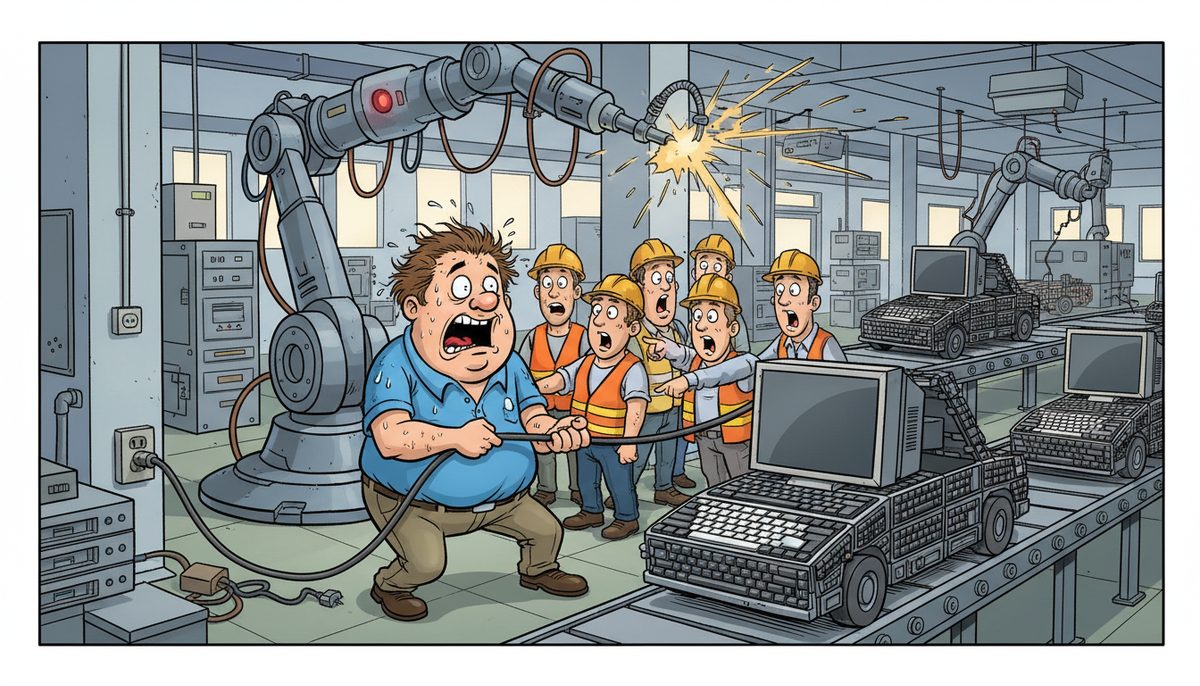
Stop production immediately on affected lines and document what changed in the last 24 hours—software updates, new equipment connections, or network changes. Contact IT support within 15 minutes of noticing issues, as manufacturing downtime costs average $260,000 per hour across industries. Isolate compromised systems from your network to prevent spread while keeping critical production data accessible through backup systems.
How do I know if my gut feeling about IT problems is actually serious?
Your instincts matter in manufacturing environments. When shop floor systems slow down, ERP screens freeze intermittently, or CNC machines lose network connectivity unpredictably, these aren’t coincidences.
Manufacturing IT problems rarely announce themselves clearly. You’ll notice subtle signs first: work orders taking longer to load, production scheduling software lagging during shift changes, or HMI touchscreens becoming unresponsive for seconds at a time.
Temperature changes in server rooms, unusual fan noise from network equipment, or backup jobs that suddenly take twice as long all signal developing problems. On Vancouver Island, humidity from coastal weather can accelerate hardware degradation in production facilities without climate control.
Ernie from a local manufacturing operation experienced this firsthand: “I can’t speak highly enough about the support we’ve received from DataStream. As someone who’s not very tech-savvy, dealing with IT issues used to feel like a huge challenge. But with DataStream, it’s a completely different experience. They’re incredibly quick to respond, and whenever something goes wrong, they step in and resolve the issue right away. I’ve had experiences with other IT services in the past, where we sometimes didn’t even get a call back the same day, which was frustrating.”
Trust your observations when multiple small issues cluster together within days. That pattern indicates systemic problems rather than isolated glitches.
What immediate steps prevent a small IT issue from stopping production?
Document everything before touching anything. Write down error messages word-for-word, note which workstations or machines show problems, and record the exact time issues started.
Check if the problem affects one machine, one production line, or your entire facility. This scoping helps IT support diagnose faster and determines whether you need immediate on-site help or remote resolution.
Follow this sequence when problems emerge:
- Document all symptoms with timestamps and error messages
- Identify scope—single machine, production line, or facility-wide
- Isolate affected systems from network if security breach suspected
- Switch to backup systems or manual processes for critical operations
- Contact IT support immediately with complete information
- Preserve evidence by avoiding restarts until advised
Contact your IT support immediately rather than waiting to see if problems resolve themselves. Manufacturing environments demand speed—every minute of delayed response multiplies downtime costs. Local Vancouver Island support eliminates ferry delays when technicians need physical access to industrial systems.
Immediate documentation and rapid escalation turn potential disasters into manageable incidents.
When should I call for help versus trying to fix it myself?
Call immediately for anything affecting production systems, ERP access, or shop floor equipment connectivity. Manufacturing downtime justifies professional intervention every time.
Handle simple issues yourself: single-user password resets, printer paper jams, or restarting a frozen desktop application. These don’t threaten production and build your team’s confidence.
Never troubleshoot alone when problems involve SCADA systems controlling machinery, PLC programming or configurations, network switches serving production lines, or servers running MES or ERP systems. Industrial control systems require specialized knowledge—well-intentioned fixes can create safety hazards or corrupt production data.
Security concerns demand immediate professional response. Ransomware, unusual network traffic, or unauthorized access attempts require expertise that general manufacturing staff don’t possess. BC’s PIPA regulations make data breaches reportable, adding legal consequences to production losses.
For Vancouver Island manufacturers, local support means technicians reach Victoria facilities within an hour, Duncan or Cobble Hill sites within 90 minutes, and Nanaimo operations within two hours—no ferry scheduling complications.
The cost of one production hour lost exceeds months of IT support fees. Professional help is always the economical choice for production-critical systems.
What information does IT support need to diagnose manufacturing systems quickly?
Start with production impact: which lines are down, how many machines affected, and whether you can operate manually. This prioritization helps support teams allocate resources appropriately.
Provide system details: software names and versions (“Epicor ERP 10.2.5” not just “our ERP”), machine model numbers for CNC or automated equipment, and network device locations in your facility.
Describe the timeline precisely. “Started Tuesday around 2 PM” helps less than “began 14:17 during shift change, immediately after forklift hit support column near network cabinet.” Physical events in manufacturing environments frequently cause IT problems.
List recent changes: new equipment installations, software updates, network modifications, or even construction work near cable runs. Manufacturing facilities change constantly—yesterday’s modification becomes today’s problem source.
Explain workarounds already attempted and their results. “Restarted the server twice, problem returned within 10 minutes both times” tells support what doesn’t work, narrowing diagnostic possibilities.
Share error codes, warning messages, or unusual log entries. Photograph error screens with your phone if systems won’t let you copy text—visual evidence beats paraphrasing.
Manufacturing IT support resolves 73% of issues remotely when provided complete initial information, versus 34% resolution rates with vague problem descriptions.
How do I protect production data while troubleshooting IT problems?
Verify your backup systems before problems escalate. Know where your last good backup lives, when it ran, and how to access it if primary systems fail completely.
Manufacturing data has unique vulnerabilities. Work orders in progress, quality control measurements, and production counts exist in temporary system memory before final database commits. Power cycling equipment during troubleshooting can lose hours of production records.
Create manual documentation processes as fallback. Paper work orders, handwritten production counts, and photographed quality measurements preserve critical data when digital systems fail.
Isolate rather than delete when troubleshooting. Disconnecting a suspicious workstation from the network protects other systems while preserving evidence for forensic analysis. Wiping and reinstalling destroys information IT support needs for root cause analysis.
For Vancouver Island manufacturers serving export markets, production documentation affects customs compliance. Lost batch records or quality control data can delay shipments even after IT systems recover. Understanding cybersecurity fundamentals helps protect this critical business data.
Test your backup restoration process quarterly during scheduled downtime. Discovering backup problems during actual emergencies compounds disasters.
Data protection during troubleshooting requires discipline—the pressure to restore production quickly tempts shortcuts that risk permanent data loss.
What makes manufacturing IT problems different from regular office IT issues?
Manufacturing systems blend information technology with operational technology. Your network doesn’t just move emails—it controls machinery, monitors production lines, and manages inventory in real-time.
Industrial environments create unique IT challenges. Electrical noise from welding equipment interferes with network signals. Metal building structures block wireless connections. Dust and temperature extremes exceed standard IT equipment specifications.
Timing matters differently in manufacturing. A frozen desktop annoys office workers; a frozen HMI stops production and idles expensive equipment. Response time expectations reflect these stakes—manufacturing IT support requires technicians who understand production urgency.
Integration complexity multiplies troubleshooting difficulty. Problems might originate in your ERP system, propagate through MES software, and manifest as CAD/CAM failures. Effective diagnosis requires understanding how these systems interconnect.
WorkSafeBC regulations govern technology in BC industrial environments. IT changes affecting safety systems, emergency communications, or equipment lockout procedures require compliance documentation beyond typical IT change management.
Vancouver Island’s manufacturing sector—aerospace components, boat building, food processing—demands IT support that understands both technology and industrial operations. Generic IT providers lack context for manufacturing-specific problems. Comparing specialized IT support options helps identify providers with manufacturing experience.
Manufacturing IT problems require industrial expertise, not just technical knowledge.
How can I prevent these “something feels wrong” situations in the future?
Proactive monitoring catches problems before they stop production. Network monitoring tools track equipment connectivity, server performance, and backup success rates continuously.
Schedule maintenance during planned downtime rather than waiting for failures. Firmware updates for network equipment, server patching, and storage system maintenance all prevent emergency situations when performed systematically.
Document your IT infrastructure completely. Network diagrams showing switch locations, cable runs, and equipment connections help troubleshoot faster. Inventory lists with purchase dates identify aging equipment before failures occur.
Train production staff to recognize and report IT symptoms early. Teach supervisors the difference between “the system is slow” and “response time increased from 2 seconds to 8 seconds this week.” Specific observations enable preventive action.
Establish baseline performance metrics for critical systems. Measure ERP transaction times, backup durations, and network throughput during normal operations. Deviations from baseline trigger investigation before users notice problems.
Partner with IT support that provides proactive service rather than reactive break-fix. Remote monitoring, automatic alerting, and regular system health reviews shift from crisis management to problem prevention.
For Vancouver Island manufacturers, local support enables quarterly on-site reviews of production floor IT infrastructure. Technicians familiar with your facility spot developing issues during routine visits—corroded connections, overheating equipment, or capacity constraints.
Understanding what’s included in monthly fees clarifies the value of preventive approaches versus reactive break-fix support that seems cheaper until calculating downtime costs.
Prevention requires investment, but manufacturing downtime costs make proactive IT support the economical choice.
Frequently asked questions
Should I restart equipment when manufacturing IT systems act strangely?
Restart individual workstations showing isolated problems, but never restart servers, network equipment, or industrial control systems without IT support approval. Manufacturing systems often have interdependencies where restart sequences matter—powering equipment in wrong order can corrupt databases or lose production data. Document symptoms before restarting anything, as problems may not recur immediately, making diagnosis harder.
How quickly should IT support respond to manufacturing system problems?
Production-critical issues demand response within 15 minutes and resolution attempts starting within one hour. Non-critical problems affecting individual users can wait several hours without production impact. Vancouver Island manufacturers benefit from local support that dispatches on-site technicians immediately when remote resolution fails, avoiding ferry delays that mainland providers face. Response time expectations should appear in service agreements with specific commitments for production-critical systems.
Can I use consumer-grade equipment to save money in manufacturing IT systems?
Consumer equipment lacks the reliability, warranty support, and environmental tolerances manufacturing requires. Industrial-grade network switches, business-class servers, and commercial workstations cost more initially but provide predictable performance and vendor support when problems occur. Consumer devices fail more frequently in manufacturing environments with temperature variations, electrical noise, and dust. The cost of one production stoppage from failed consumer equipment exceeds the savings from avoiding proper business-grade hardware.
What IT problems require immediate production shutdown versus working through them?
Shut down immediately for security breaches, ransomware infections, or anything affecting safety systems and equipment lockout controls. Continue production while troubleshooting for performance slowdowns, individual workstation failures, or non-critical software glitches that don’t prevent work order completion. When uncertain, err toward shutdown—producing defective parts or losing production data creates bigger problems than temporary stoppage. WorkSafeBC regulations may require shutdown when IT problems affect safety-critical systems in BC manufacturing facilities.
How do I know if my IT support provider understands manufacturing systems?
Manufacturing-competent IT providers ask about your production systems, understand terminology like ERP, MES, SCADA, and PLCs, and discuss how network problems affect production rather than just technical specifications. They schedule maintenance during your planned downtime, respond with appropriate urgency to production-critical issues, and provide technicians who understand industrial environments. Providers serving Vancouver Island manufacturing should reference experience with local sectors like aerospace components, boat building, or food processing with relevant regulatory knowledge including WorkSafeBC requirements.



