
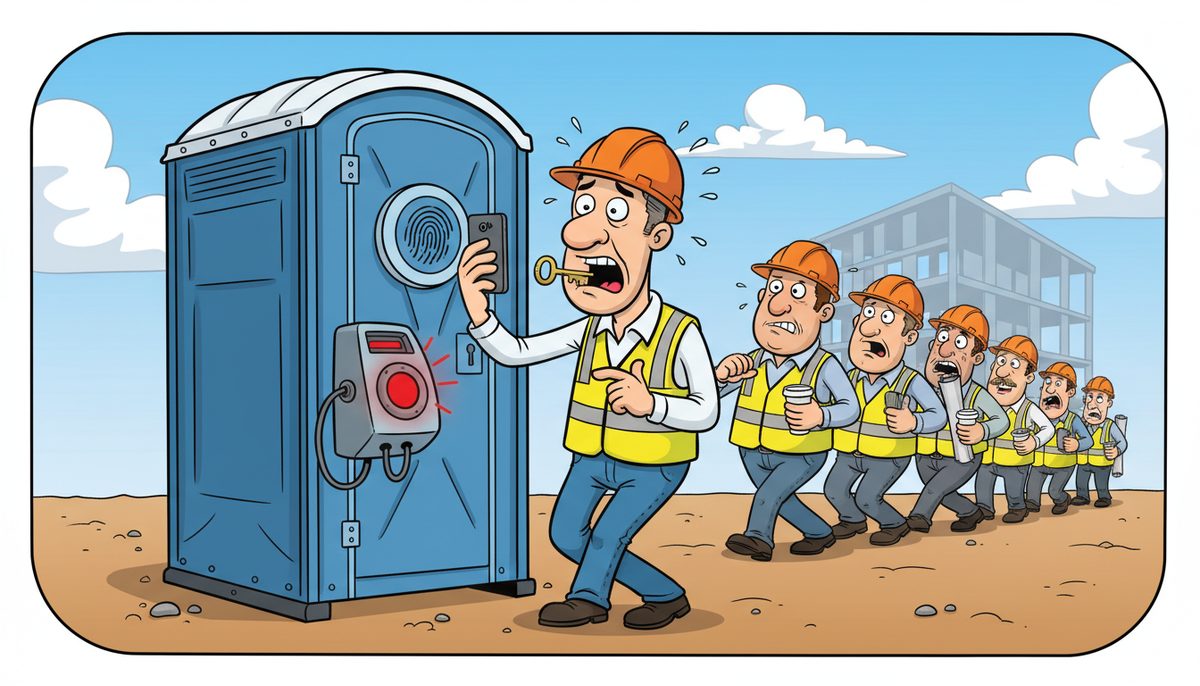
Yes, implement multi-factor authentication (MFA) on all systems containing client data, financial information, project files, and estimating software—but prioritize based on risk. MFA blocks approximately 99.9% of automated cyberattacks, making it essential for construction businesses handling sensitive project documentation, progress billing, and subcontractor information. Start with email, accounting systems, and project management platforms before extending to lower-risk applications.
What systems in construction businesses absolutely require multi-factor authentication?
Email accounts are your highest-priority MFA target. Construction companies exchange contracts, change orders, and payment information via email daily. A compromised email account gives attackers access to client communications, the ability to redirect payments, and entry points to other systems through password reset links.
Your accounting and financial software needs MFA immediately. Systems handling progress billing, retention payments, and accounts payable are prime targets for business email compromise schemes. Attackers who gain access can redirect legitimate payments to fraudulent accounts, and construction companies have lost hundreds of thousands in single incidents.
Project management and document storage platforms require MFA protection. These systems contain bid documents, shop drawings, as-builts, and RFIs that represent significant competitive intelligence. They also hold client information subject to BC’s Freedom of Information and Protection of Privacy Act (FIPPA) when working on public sector projects common in Victoria’s construction market.
Estimating and takeoff software deserves MFA, especially as bid deadlines approach. A system outage or ransomware attack during a tender submission can cost you the project. The software also contains proprietary pricing strategies and supplier relationships you can’t afford to expose to competitors.
Luigi Mansueti, a Victoria construction business owner, worked with DataStream to implement password control and network security after experiencing slow systems. The comprehensive security overhaul included establishing proper access controls, demonstrating how foundational security measures protect construction operations from disruption.
MFA on these core systems creates a security perimeter around your most valuable business assets.
Where can construction companies skip multi-factor authentication without significant risk?
Internal-only systems with no external access or sensitive data can operate without MFA if they’re properly segmented. A job site camera system that only stores footage locally and isn’t connected to the internet represents minimal risk. Similarly, standalone equipment tracking spreadsheets used only on-site don’t warrant the same protection level.
Time-tracking applications for field staff present a practical challenge. Requiring MFA for workers clocking in from job sites around Vancouver Island can create friction, especially in areas with limited cellular connectivity. Consider MFA for supervisors who approve timesheets while using simpler authentication for basic time entry.
Marketing and public-facing systems like your website content management system carry lower risk than operational systems. A compromised marketing platform is inconvenient; a compromised accounting system is catastrophic. Allocate your security budget accordingly.
Legacy equipment or specialized construction software that doesn’t support MFA shouldn’t remain unprotected—isolate these systems on separate network segments with strict access controls. Managed IT services can help construction companies implement network segmentation to protect vulnerable systems without disrupting operations.
- Job site cameras with local-only storage and no internet connection
- Standalone equipment tracking spreadsheets used exclusively on-site
- Basic time-tracking entry for field workers (while requiring MFA for approval)
- Marketing and website content management systems
- Legacy systems isolated on separate network segments
The goal is proportional security: protect what matters most without creating unnecessary obstacles for field staff working under tight deadlines.
How does multi-factor authentication work for construction teams across multiple job sites?
Mobile authenticator apps work better than SMS codes for construction businesses operating across Vancouver Island. Apps like Microsoft Authenticator or Google Authenticator generate codes offline, crucial when your superintendent is in a rural area between Victoria and Nanaimo with spotty cellular service.
Hardware security keys offer the strongest protection for project managers and estimators accessing high-value systems. These USB or NFC devices prevent phishing attacks entirely—even if someone steals your password, they can’t access your account without the physical key. For a construction business with five to ten office staff, the investment of $50-100 per key is negligible compared to the cost of a single compromised bid.
Push notifications to registered devices balance security and convenience. When your field staff needs to access project documents from a site office, they receive a notification on their phone asking them to approve the login. One tap confirms their identity without typing codes.
Trusted device policies reduce authentication frequency. After initial MFA verification, you can configure systems to remember devices for 30-90 days. Your estimator working from the same office computer doesn’t need to authenticate every hour, but a login from an unfamiliar location triggers the MFA challenge.
WorkSafeBC’s digital reporting requirements mean field staff increasingly need system access from job sites. MFA implementation must account for this reality without compromising security or productivity.
What happens when MFA fails during a critical deadline like a tender submission?
Backup authentication methods prevent MFA from becoming a single point of failure. Configure multiple authentication options: authenticator app as primary, SMS as backup, and recovery codes stored securely for emergencies. When your estimator’s phone dies thirty minutes before a bid deadline, they can use a recovery code to access the system.
IT support response time becomes critical during MFA issues. DataStream’s local Vancouver Island technicians provide lightning-fast support with most problems resolved remotely within minutes—essential when you’re racing against a tender closing time. Their live-answer phone system means no voicemail delays when every minute counts.
Administrative override capabilities should exist for genuine emergencies. A designated IT administrator or your managed service provider should be able to temporarily bypass MFA for a specific user after verifying their identity through alternative channels. This override gets logged and reviewed, maintaining security while preventing business disruption.
Pre-deadline system checks reduce MFA-related surprises. Test access to all critical systems the day before major submissions. Verify that authentication methods work, backup codes are accessible, and support contacts are current. This five-minute investment prevents deadline-day disasters.
Help desk services with local technicians who understand construction deadlines make the difference between missing a tender and submitting on time when authentication issues arise.
How much does implementing MFA cost for a construction business?
Many MFA solutions are included with software you already use. Microsoft 365 and Google Workspace include MFA at no additional cost—you’re paying for authentication whether you enable it or not. Activating these built-in features costs nothing beyond the setup time.
Standalone MFA platforms for construction-specific software typically cost $3-6 per user monthly. If your estimating software doesn’t include native MFA, third-party authentication services can add this protection layer. For a construction business with fifteen users, that’s $45-90 monthly to protect systems containing millions in project data.
Hardware security keys run $25-100 per device depending on features and durability. Construction environments demand rugged options, but even premium keys cost less than a single hour of downtime from a security incident.
Comprehensive cybersecurity suites that include MFA management, endpoint protection, and security monitoring range from $25–$50 per device per month.
Implementation costs depend on your current infrastructure complexity. A construction business with standardized systems and cloud-based software might complete MFA rollout in a few hours. Companies with legacy on-premise systems, multiple disconnected platforms, and complex subcontractor access requirements need more extensive planning and configuration.
The Builders Lien Act requires meticulous documentation with specific timelines. A security incident that compromises or encrypts project records can jeopardize lien rights and payment collection. MFA implementation costs are insurance against far larger losses.
What’s the realistic implementation timeline for MFA across a construction company?
Phase your MFA rollout over four to six weeks to minimize disruption. Start with office staff and project managers who work from consistent locations with reliable connectivity. These users adapt quickly and can help troubleshoot issues before field deployment.
- Week one: Email and communication platforms. Everyone uses email constantly, making it the logical starting point for learning MFA processes.
- Weeks two and three: Financial and project management systems. Roll out MFA to accounting software, project management platforms, and document storage after major billing cycles.
- Weeks four through six: Field staff and specialized applications. Implement MFA for time tracking, safety reporting, and job site systems with hands-on training at toolbox talks.
Daryl Wood, a construction business owner, emphasizes the importance of proactive security: “Considering all the cyber threats facing businesses today, you have to ask, what happens if your systems go down and you can’t operate for several days? If this would cause you big problems, I’d suggest protecting yourself by selecting DataStream as your security partner and get some peace of mind knowing they have it covered.”
Build buffer time for the inevitable issues: forgotten passwords, lost phones, and users who need extra support. Your timeline should accommodate learning curves without rushing implementation.
Construction businesses working on public sector projects in Victoria face FIPPA compliance requirements. MFA implementation demonstrates due diligence in protecting sensitive information, potentially strengthening your position in government procurement processes.
Frequently asked questions
Does MFA slow down field workers trying to access systems from job sites?
Initial MFA authentication adds 5-10 seconds, but trusted device policies remember approved devices for 30-90 days. After the first login from a site office tablet or superintendent’s laptop, workers won’t need to authenticate again for weeks. Mobile authenticator apps work offline, eliminating delays from poor cellular connectivity in rural Vancouver Island locations.
Can subcontractors access our project management systems if we implement MFA?
Yes, you can provide subcontractors with MFA-protected guest access to specific projects without exposing your entire system. Most project management platforms allow granular permissions where subs authenticate via their own email and authenticator app to view only their relevant submittals, RFIs, and drawings. This actually improves security by ensuring each subcontractor maintains separate credentials.
What happens if someone loses their phone with the authenticator app?
Recovery codes generated during MFA setup provide emergency access when devices are lost or broken. Users should print these codes and store them securely—in a wallet or locked desk drawer. IT administrators can also reset MFA for verified users, allowing them to register a new device. The process takes minutes with responsive support, preventing extended lockouts.
Is MFA required by insurance companies or bonding agencies for construction businesses?
Cyber insurance policies increasingly require MFA on email and financial systems as a condition of coverage. Some insurers offer premium discounts for comprehensive MFA implementation. Bonding agencies haven’t universally mandated MFA yet, but demonstrating robust cybersecurity practices strengthens your risk profile. For construction companies bidding on public sector projects in Victoria, MFA helps meet FIPPA’s security expectations.
How do we handle MFA for shared computers in site offices?
Avoid shared credentials entirely—each user should have individual accounts even on shared devices. When someone logs into a site office computer, they authenticate with their personal MFA method, then log out when finished. This creates an audit trail showing who accessed what information and when, critical for both security and compliance with the Builders Lien Act’s documentation requirements.



