
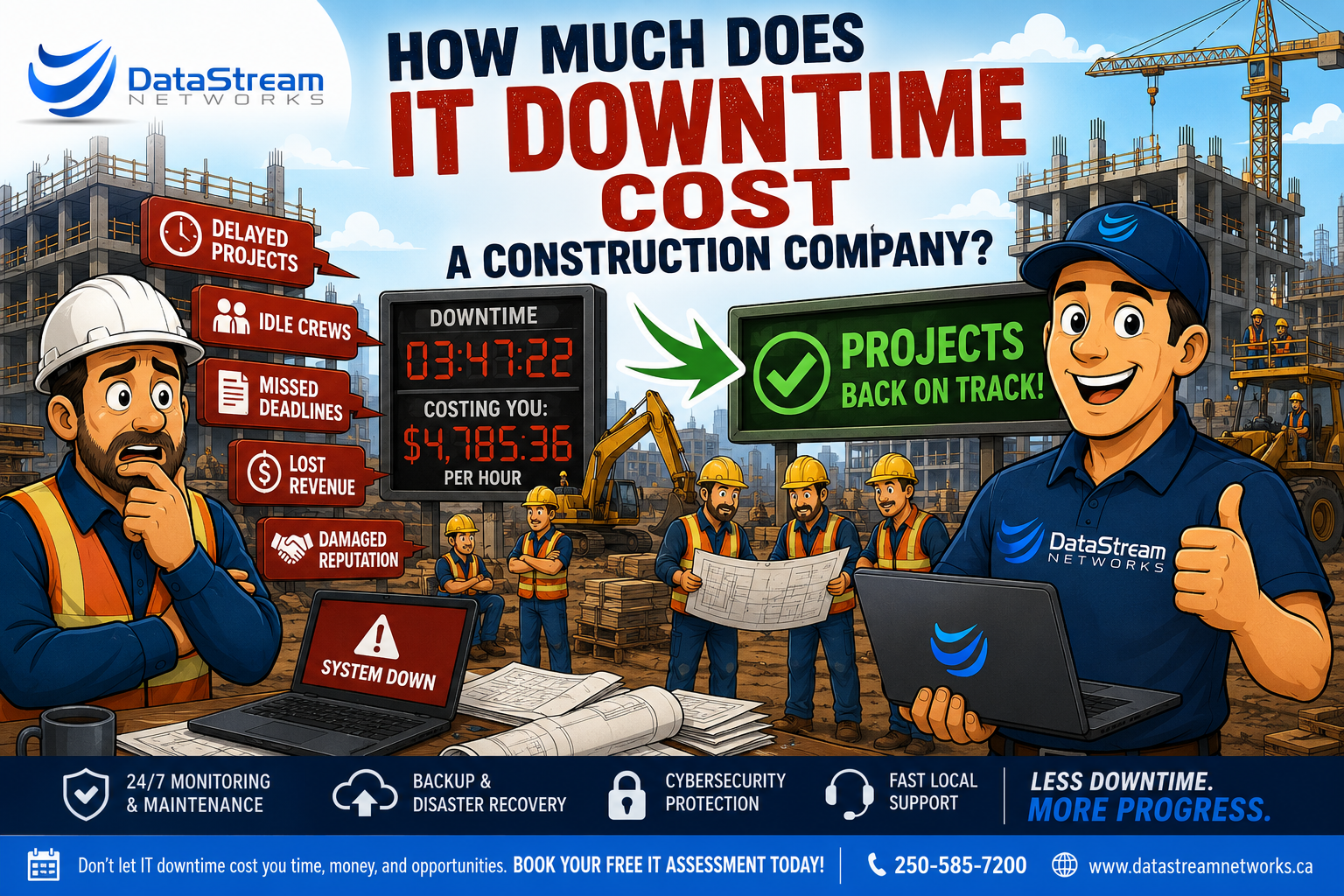
Imagine it’s Monday morning.
Your project managers can’t access Microsoft 365. Payroll won’t open. The estimator can’t retrieve bid documents. The accounting team can’t process invoices. Your field supervisors are calling because they can’t access project files from the job site.
Every minute your systems are unavailable, your business loses more than just productivity.
For most construction companies with 10-70 employees, one hour of IT downtime can easily cost between $500 and $5,000 or more, depending on the number of employees affected, project deadlines, equipment sitting idle, and the type of technology outage.
Unfortunately, the repair bill is usually the smallest expense. Lost productivity, delayed projects, missed communications, overtime, and frustrated customers often create costs that far exceed fixing the original problem.
In this guide, we’ll explain where those costs come from, how to estimate what downtime costs your business, and what you can do to reduce the risk.
Why IT Downtime Hits Construction Companies Harder Than Most Businesses
Unlike many industries, construction companies rely on technology in both the office and the field.
A typical day depends on:
- Microsoft 365
- QuickBooks or accounting software
- Project management software
- Digital blueprints
- Cloud storage
- Mobile phones
- Internet connectivity
- Estimating software
- Scheduling systems
When one of these systems fails, employees don’t simply wait for IT to fix a computer—they often can’t continue working.
One technology problem can affect payroll, purchasing, communication with subcontractors, customer updates, and project timelines all at once.
The DataStream Construction Downtime Formula™
Many business owners think downtime only costs the hourly rate they pay an IT technician.
The reality is much different.
At DataStream Networks, we encourage clients to look at the total business impact.
Total Downtime Cost =
Lost Employee Productivity
Delayed Project Revenue
Idle Equipment & Labour
Emergency Repair Costs
Customer Impact
Reputation Damage
Looking at downtime this way helps business owners understand why preventing problems is almost always less expensive than fixing them.
Five Hidden Costs of IT Downtime
1. Lost Employee Productivity
If twenty employees cannot work for one hour, you’ve paid for twenty hours of labour with little or no productive output.
Office staff may lose access to:
- Accounting software
- Drawings
- Payroll
- Estimating tools
Field staff may also be delayed if they can’t receive updated plans or communicate with the office.
2. Project Delays
Construction schedules are tightly coordinated.
If technology prevents approvals, ordering materials, issuing change orders, or communicating with subcontractors, delays can quickly affect multiple trades.
One lost morning can ripple through an entire project schedule.
3. Idle Equipment
Heavy equipment, rental machinery, and company vehicles continue costing money whether employees are working or waiting.
When technology problems delay crews, equipment often sits idle while expenses continue.
4. Emergency Repair Costs
Reactive IT support often means:
- Emergency call-out fees
- Rush replacement hardware
- Overtime labour
- Data recovery
- Expedited shipping
These expenses usually exceed the cost of proactive maintenance.
5. Damage to Customer Confidence
Clients expect reliable communication.
If emails aren’t returned, reports aren’t delivered, or project information isn’t available, confidence in your business can suffer.
While reputation damage is difficult to measure, it can be one of the most expensive consequences of downtime.
A Real-World Example
Let’s consider a typical construction company with 25 employees.
On Monday morning, the office server fails.
Employees lose access to:
- Microsoft 365
- Accounting software
- Project documents
- Shared drives
The outage lasts four hours.
During that time:
- Payroll processing is delayed.
- Estimators miss bid deadlines.
- Project managers cannot access updated drawings.
- Office staff wait for systems to return.
- Field supervisors repeatedly call the office for information.
Even without assigning an exact dollar amount, it’s easy to see that the business impact extends well beyond the cost of replacing a failed server.
The Most Common Causes of IT Downtime
Most outages are preventable.
The most common causes include:
Aging Hardware
Computers and servers don’t last forever.
Replacing aging equipment before it fails can significantly reduce unplanned downtime.
Poor Backup Management
Many businesses believe backups are working simply because they were configured years ago.
Without regular monitoring and testing, you may not know whether they can actually restore your data when needed.
Cybersecurity Incidents
Ransomware, phishing attacks, and malware can stop operations almost instantly.
Strong cybersecurity measures help reduce these risks.
Internet Failures
Construction businesses increasingly depend on cloud services.
Without reliable internet—or a backup connection—employees may lose access to essential applications.
Human Error
Accidental deletion of files, incorrect configuration changes, and weak passwords continue to be common causes of technology disruptions.
How Managed IT Services Reduce Downtime
The best way to reduce downtime is to prevent problems before they happen.
Managed IT services focus on proactive maintenance rather than reactive repairs.
This includes:
- 24/7 monitoring
- Security updates
- Hardware health monitoring
- Backup verification
- Microsoft 365 management
- Cybersecurity protection
- Strategic IT planning
- Fast help desk support
Rather than waiting for equipment to fail, issues are identified early and addressed before they disrupt your business.
Warning Signs Your Business Is at Risk
If several of these sound familiar, your company may have a higher risk of downtime than you realize.
- Computers are more than five years old.
- Wi-Fi coverage is inconsistent.
- Employees complain about slow systems.
- Nobody checks backups regularly.
- Passwords are reused.
- Multi-factor authentication isn’t enabled.
- There is no documented disaster recovery plan.
- Your IT provider only responds after something breaks.
Addressing these issues proactively can reduce the likelihood of costly interruptions.
What Does One Hour of Downtime Really Cost?
Every business is different, but consider these questions:
- How many employees would be unable to work?
- How much revenue could be delayed?
- Would subcontractors need to wait?
- Could deadlines be missed?
- Would overtime be required to catch up?
- Would customers notice the delay?
Answering these questions often reveals that the true cost of downtime is much higher than expected.
Frequently Asked Questions
What causes most IT downtime?
Common causes include aging hardware, cybersecurity incidents, internet outages, software failures, power disruptions, and human error.
Can managed IT eliminate downtime completely?
No technology solution can guarantee zero downtime. However, proactive monitoring, regular maintenance, and layered cybersecurity can significantly reduce both the frequency and duration of outages.
How often should business computers be replaced?
Most business desktops and laptops should be evaluated for replacement every four to five years, depending on performance, warranty status, and business needs.
Are cloud systems more reliable?
Cloud services often improve reliability and accessibility, but they still require proper configuration, security, backup strategies, and dependable internet connectivity.
Why Construction Companies Choose DataStream Networks
Construction companies across Nanaimo, Duncan, and Victoria trust DataStream Networks to keep projects moving.
At DataStream Networks, we help businesses reduce downtime through proactive managed IT services designed specifically for growing organizations.
Our services include:
- Continuous monitoring
- Fast local support
- Cybersecurity protection
- Microsoft 365 management
- Backup and disaster recovery
- Strategic IT planning
Our goal is simple: prevent technology problems before they interrupt your business.
Ready to Reduce IT Downtime?
If your business has experienced recurring technology issues, slow response times, or unexpected outages, it may be time to take a proactive approach.
Book a complimentary IT assessment with DataStream Networks.
We’ll review your current environment, identify areas of risk, and recommend practical improvements to help keep your projects running, your employees productive, and your technology working when you need it most.



