
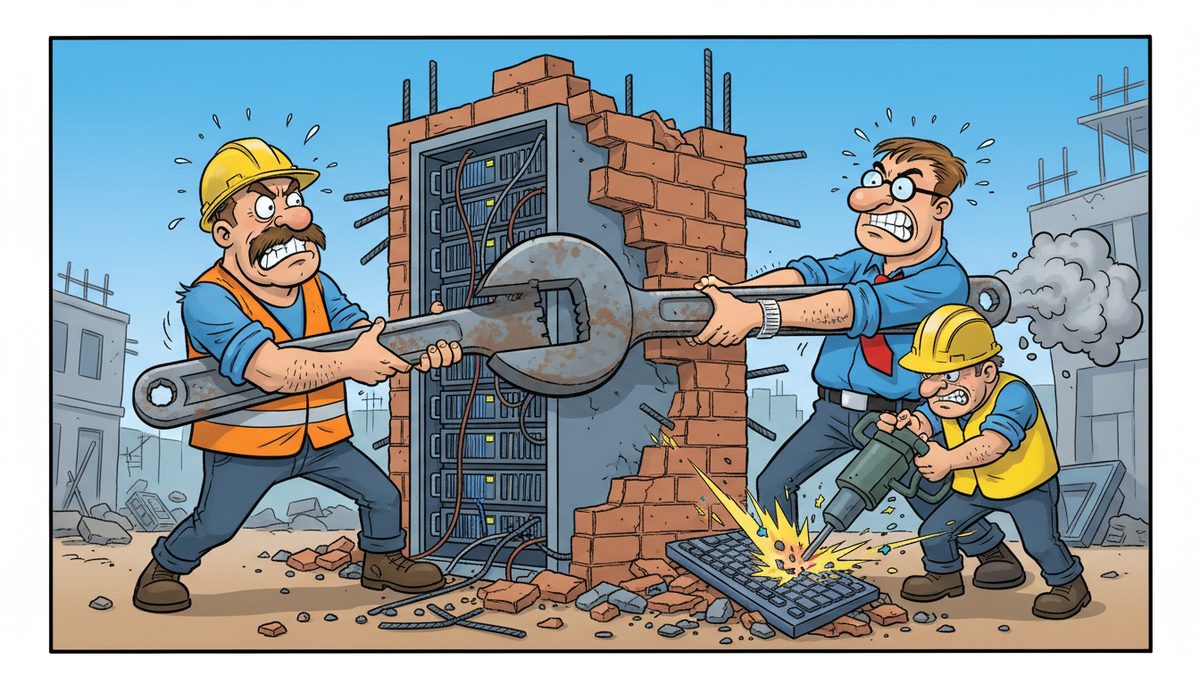
Co-managed IT is a partnership model where your existing internal IT staff collaborates with an external managed service provider to share technology responsibilities. The external team fills skill gaps, provides after-hours coverage, and handles specialized tasks like cybersecurity or infrastructure projects, while your in-house staff maintains day-to-day operations. This model typically works best for businesses with 10-50+ employees who have one IT person but need broader expertise and coverage.
How does co-managed IT differ from fully managed IT services?
Fully managed IT means outsourcing your entire technology function to an external provider. They become your complete IT department, handling everything from help desk calls to strategic planning.
Co-managed IT preserves your existing IT investment. Your internal person stays in control of systems they know best—your estimating software, project management tools, and site-specific configurations—while the external team augments their capabilities.
For Victoria construction companies, this distinction matters. Your IT coordinator understands how your superintendents use daily reports at job sites, how estimators work under bid deadlines, and which subcontractors need VPN access. An external team brings enterprise-grade security expertise, 24/7 monitoring, and the capacity to handle major projects like server migrations without pulling your person away from urgent field support.
The division of responsibilities is negotiable and should match your business needs. Some companies want external help only for cybersecurity and compliance, while others need comprehensive infrastructure support with their internal person focusing solely on user training and application support.
Co-managed arrangements typically cost less than fully managed services because you’re not paying for complete coverage. You’re supplementing existing capacity rather than replacing it.
What specific problems does co-managed IT solve for construction companies?
Construction firms face a unique challenge: your single IT person can’t be everywhere at once. When they’re troubleshooting a network issue at the main office, field staff at a job site in Duncan can’t access submittal documents. When they’re on vacation, estimating software crashes hours before a tender deadline.
Luigi, a Victoria construction company owner, described the situation before partnering with DataStream: “Our systems were running slow in the past.” After DataStream installed a new backup system, provided security, and thoroughly cleaned file sharing, his team regained network control with systems no longer running slow.
Co-managed IT solves the coverage gap. When your internal person is unavailable or overwhelmed, external technicians step in immediately. For Victoria construction companies working across Vancouver Island job sites, this means someone always answers when a superintendent calls about accessing as-builts or when a project manager needs help with progress billing software.
The model also addresses the expertise gap. Your IT coordinator might excel at supporting Procore or Bluebeam but lack deep cybersecurity knowledge. Construction companies are increasingly targeted by ransomware because attackers know you can’t afford downtime during active projects. External partners bring specialized security skills, implement multi-layered protection, and maintain compliance with WorkSafeBC digital reporting requirements.
Documentation requirements under BC’s Builders Lien Act create another pressure point. You need reliable backups with quick recovery capabilities. If systems fail and you can’t produce required documentation within statutory timelines, you risk losing lien rights worth hundreds of thousands of dollars. Co-managed IT ensures enterprise-grade backup systems that your internal person might not have time to properly configure and test.
Co-managed IT transforms your single IT person from a bottleneck into a coordinator with expert backup.
How is responsibility divided between internal IT staff and the external provider?
The division varies by company, but successful co-managed relationships follow a clear principle: your internal person handles what they know best, and the external team covers everything else.
Your internal IT coordinator typically maintains responsibility for immediate user support, application troubleshooting, new employee onboarding, and vendor relationships for construction-specific software. They remain the first point of contact because they understand your workflows and can solve common issues quickly.
The external provider handles infrastructure management, security monitoring, patch management, backup verification, and after-hours emergencies. They also take on major projects—server replacements, network upgrades, cloud migrations—that would otherwise consume weeks of your internal person’s time.
For Victoria construction companies, a practical split might look like this:
- Your coordinator helps estimators with takeoff software and ensures field tablets sync properly
- The external team monitors your network for intrusions and manages your firewall
- The external team ensures your backup system meets recovery time objectives for bid deadlines
- Your coordinator handles day-to-day user requests and application-specific issues
Communication protocols matter. The best arrangements include regular coordination calls where both teams review open issues, discuss upcoming projects, and align on priorities. Your internal person shouldn’t feel undermined; they should feel supported.
Some companies use a tiered escalation model. Users contact the internal coordinator first for application issues. If the problem involves infrastructure, security, or requires specialized expertise, the coordinator escalates to the external team. This preserves your internal person’s relationship with staff while ensuring complex issues reach the right experts.
Documentation is shared. Both teams should have access to network diagrams, password vaults, vendor contacts, and system configurations. When your coordinator is unavailable, the external team needs sufficient information to support your operations without delays.
What does co-managed IT cost and how is it structured?
Co-managed IT pricing reflects the scope of services the external provider handles. Because you’re supplementing rather than replacing internal IT, costs are lower than fully managed services.
Many providers structure co-managed arrangements as a base monthly fee plus per-user or per-device charges for specific services. The base fee typically covers infrastructure monitoring, security oversight, and access to the support team. Per-user charges apply for services like email protection, security awareness training, or help desk access.
For construction companies on Vancouver Island, DataStream offers managed IT services at $150–$225 per user per month for comprehensive coverage. Co-managed arrangements typically cost 30-50% less because certain responsibilities remain with your internal staff, reducing the provider’s workload.
Cybersecurity components often represent the largest portion of co-managed IT investment, with comprehensive protection ranging from $25–$50 per device per month.
Additional services are usually priced separately:
- Mailbox protection against phishing and ransomware: $5–$15 per user per month
- Cyber awareness training for field staff and office teams: $5–$15 per user per month
- Advanced endpoint protection and monitoring: included in base security pricing
- Off-site backup replication and disaster recovery: varies by data volume
Project work—like migrating to a new server, implementing BIM collaboration tools, or upgrading your site office networks—is typically billed separately at hourly rates or as fixed-price projects. This allows you to control costs by scheduling major initiatives when cash flow permits.
The financial case for co-managed IT becomes clear when you calculate the cost of downtime. If your estimating system crashes the day before a major tender deadline and you miss the submission window, you’ve lost the opportunity cost of that project. If ransomware encrypts your project files and you can’t produce as-builts for substantial completion, you delay invoicing and cash flow. Co-managed IT provides the redundancy and expertise to prevent these costly scenarios.
How do you implement co-managed IT without disrupting operations?
Implementation begins with a network assessment. The external provider needs to understand your current infrastructure, identify vulnerabilities, document configurations, and establish baselines for performance and security.
For construction companies, timing matters. Schedule the initial assessment during a slower period—not during year-end when you’re closing out projects, and not immediately before a major bid deadline. The assessment typically requires a few hours of access to your systems and interviews with your internal IT person and key users.
The external team should work alongside your internal coordinator, not around them. Successful transitions involve joint planning sessions where both parties agree on priorities, define communication protocols, and establish escalation procedures. Your coordinator should feel like they’re gaining a team, not being replaced or supervised.
Initial projects often focus on security and backup improvements because these provide immediate risk reduction without disrupting daily operations. The external team might implement advanced endpoint protection, configure multi-factor authentication for remote access, or upgrade your backup system to include off-site replication—all while your internal person continues supporting users.
Bahig, an engineering firm owner who switched providers, noted that DataStream “did a full network assessment, network repair, and vastly simplified and streamlined our computer systems.” The result was dedicated IT support without operational disruption.
User communication is essential. Your staff should understand that the external team is an extension of IT support, not a replacement. Introduce key external contacts, explain when to reach out to them versus your internal coordinator, and emphasize that the goal is faster, more reliable support.
For Victoria construction companies with job sites across Vancouver Island, implementation should account for field locations. The external provider needs remote access tools to support site offices in Nanaimo, Duncan, or rural areas. DataStream’s local presence with technicians across Vancouver Island means they can dispatch someone on-site when remote support isn’t sufficient—critical when a site superintendent needs immediate help before a client walkthrough.
Start with a defined scope and expand gradually. You might begin with security monitoring and after-hours support, then add backup management and project assistance as the relationship matures. This phased approach builds trust and allows both teams to refine their collaboration.
What should you look for in a co-managed IT partner?
The right co-managed IT partner respects your internal IT person and works to make them more effective, not redundant. Look for providers who emphasize collaboration and knowledge transfer rather than taking over completely.
Response time is critical for construction companies. When your estimator can’t access cost databases hours before a bid deadline, “we’ll get back to you tomorrow” isn’t acceptable. DataStream answers phones with live people—no voicemail, phone tree, or long wait times—and fixes most problems remotely within minutes. When remote resolution isn’t possible, they automatically dispatch an on-site technician.
Local presence matters on Vancouver Island. Construction projects span from Victoria to Nanaimo to rural areas with limited connectivity. A provider with local technicians who understand the region’s geography and can reach job sites quickly provides significant advantage over providers relying solely on remote support or mainland-based staff.
Industry experience with construction companies is valuable. Providers who understand job site connectivity challenges, the importance of bid deadlines, WorkSafeBC reporting requirements, and BC Builders Lien Act documentation needs will anticipate your specific concerns rather than learning on your time.
Security expertise is non-negotiable. Construction companies hold valuable data—project plans, client information, financial details—and are increasingly targeted by ransomware. Your co-managed partner should offer comprehensive security solutions including endpoint protection, network monitoring, email filtering, and employee training.
Daryl, a Victoria construction company owner, emphasized the stakes: “Considering all the cyber threats facing businesses today, you have to ask, what happens if your systems go down and you can’t operate for several days? If this would cause you big problems, I’d suggest protecting yourself by selecting DataStream as your security partner and get some peace of mind knowing they have it covered.”
Transparent communication and billing matter. You should receive clear documentation of what the external team handles, what remains with your internal person, and how costs are structured. Avoid providers who create confusion about responsibilities or surprise you with unexpected charges.
Look for a partner committed to the Vancouver Island business community. DataStream started in 2012 and is 100% committed to providing the most reliable and professional IT service on Vancouver Island. That local commitment means they understand regional business challenges and remain accessible for in-person meetings when needed.
Frequently asked questions
Can co-managed IT work for construction companies with only 10-20 employees?
Yes, co-managed IT scales effectively for smaller construction firms. Even with 10-20 employees, you likely have one person handling IT part-time or wearing multiple hats. Co-managed services provide that person with expert backup for security, infrastructure, and after-hours emergencies without the cost of hiring additional full-time staff. The model is particularly valuable when that person takes vacation or focuses on supporting critical bid preparation.
What happens if my internal IT person leaves the company?
Your co-managed IT partner provides continuity during transitions. Because they already know your systems, have documentation, and understand your operations, they can maintain full support while you recruit a replacement. Many companies use this transition period to evaluate whether they need a full-time replacement or can shift to fully managed services. The external team can also help onboard and train your new hire.
How quickly can a co-managed IT provider respond to emergencies at job sites?
Response times depend on the provider’s structure and location. DataStream fixes most problems remotely within minutes and automatically dispatches on-site technicians when remote resolution isn’t possible. For Victoria construction companies with job sites across Vancouver Island, DataStream’s local technicians in Victoria, Nanaimo, Duncan, and Cobble Hill can reach most island locations quickly. Establish clear response time expectations in your service agreement, especially for bid deadline emergencies.
Does co-managed IT include help with construction-specific software like Procore or Sage?
Co-managed IT typically covers the infrastructure and systems that construction software runs on—servers, networks, workstations, security—rather than application-specific support. Your internal IT person usually maintains expertise in construction software because they understand your workflows. However, the external team can assist with software installations, updates, integration issues, and troubleshooting when problems involve infrastructure rather than application functionality. Clarify these boundaries during implementation.
How does co-managed IT help with WorkSafeBC digital reporting requirements?
Co-managed IT ensures the underlying systems supporting WorkSafeBC reporting remain secure, backed up, and accessible. The external provider implements reliable backup systems so incident reports and safety documentation are never lost, maintains security to protect sensitive worker information, and ensures your network supports required digital submissions. While they don’t typically prepare the reports themselves, they ensure the technology infrastructure meets compliance needs and prevents data loss that could create regulatory issues.



